

Return to Q&A Database
Monitor problem
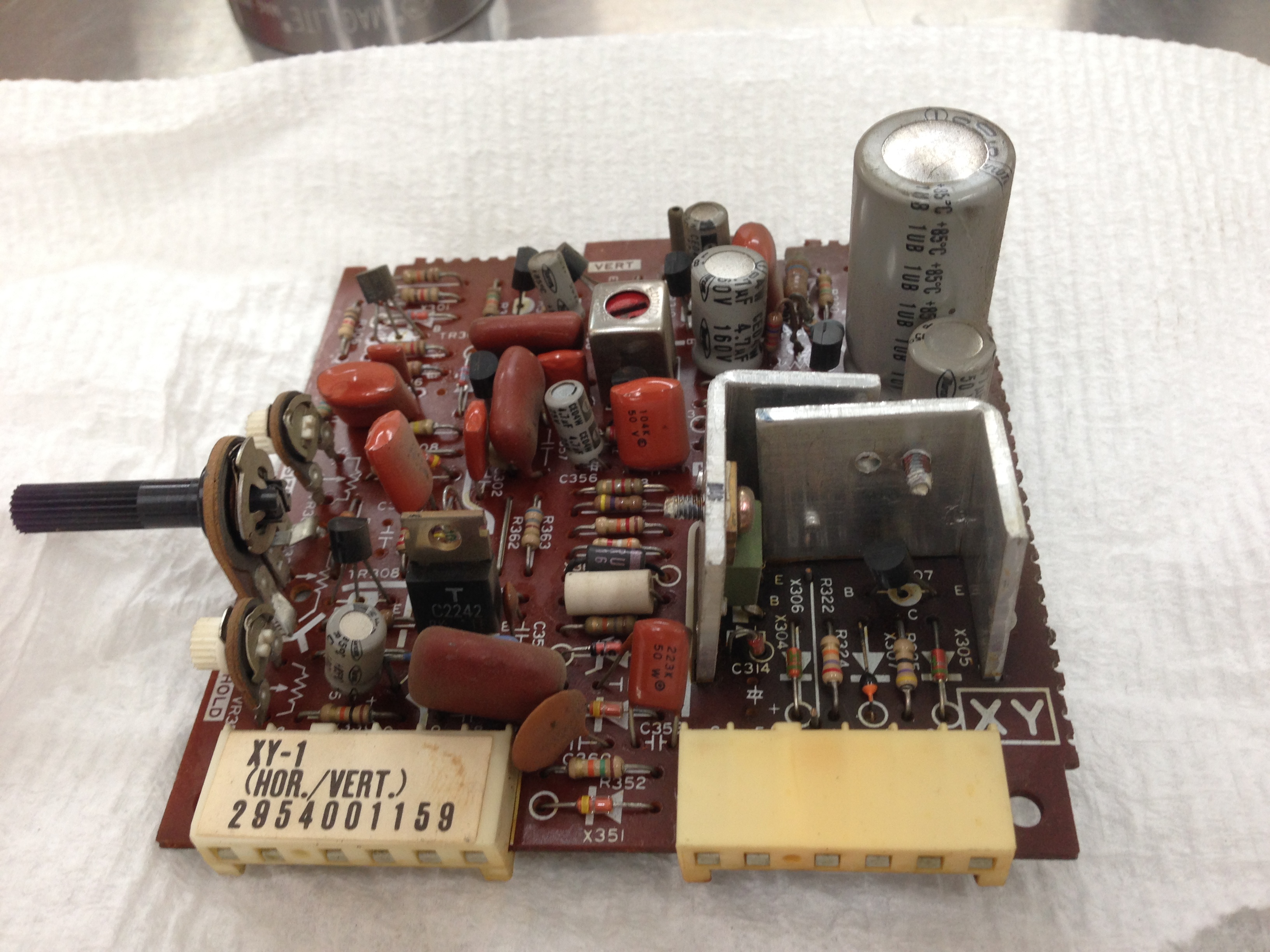
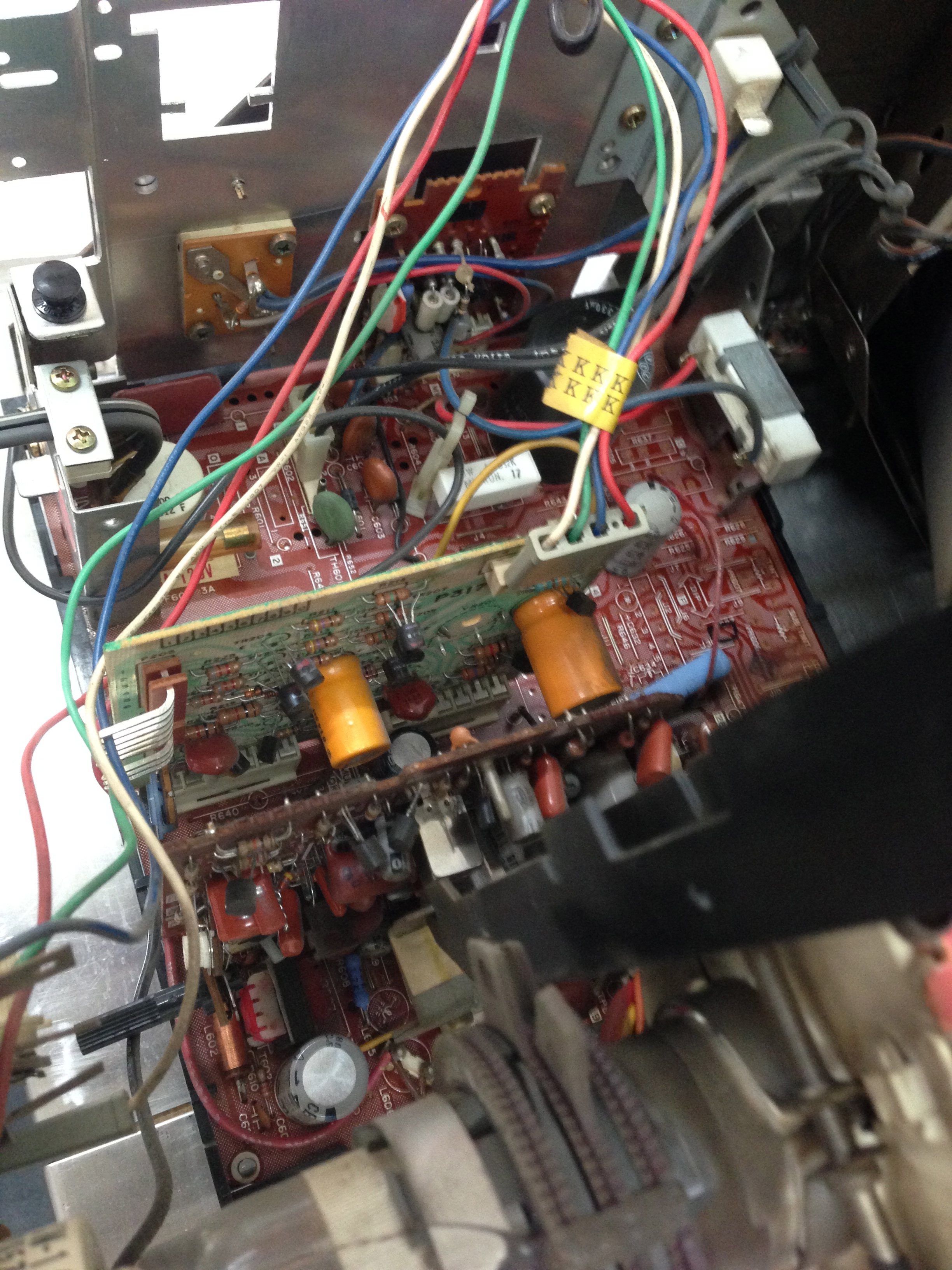
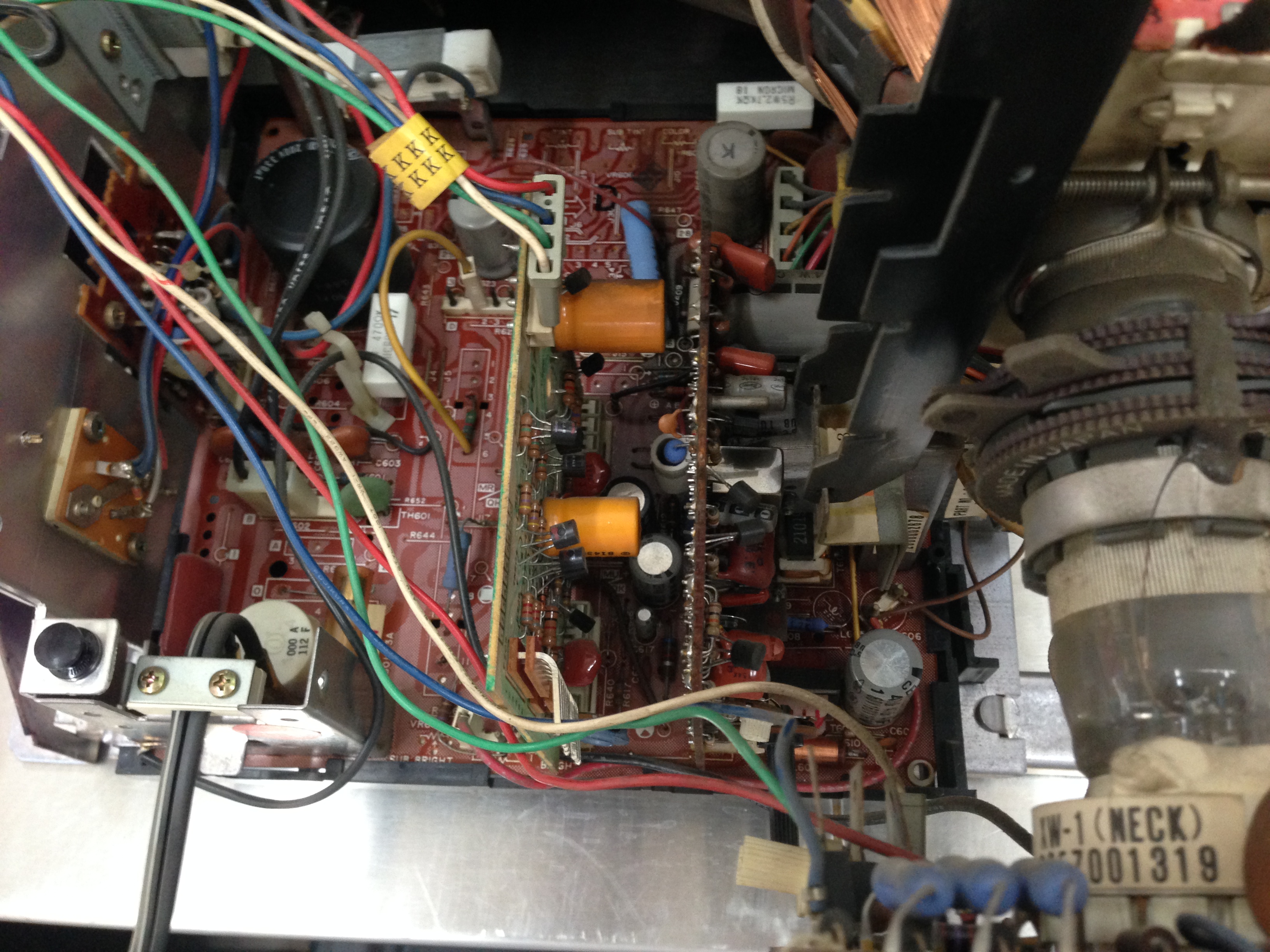
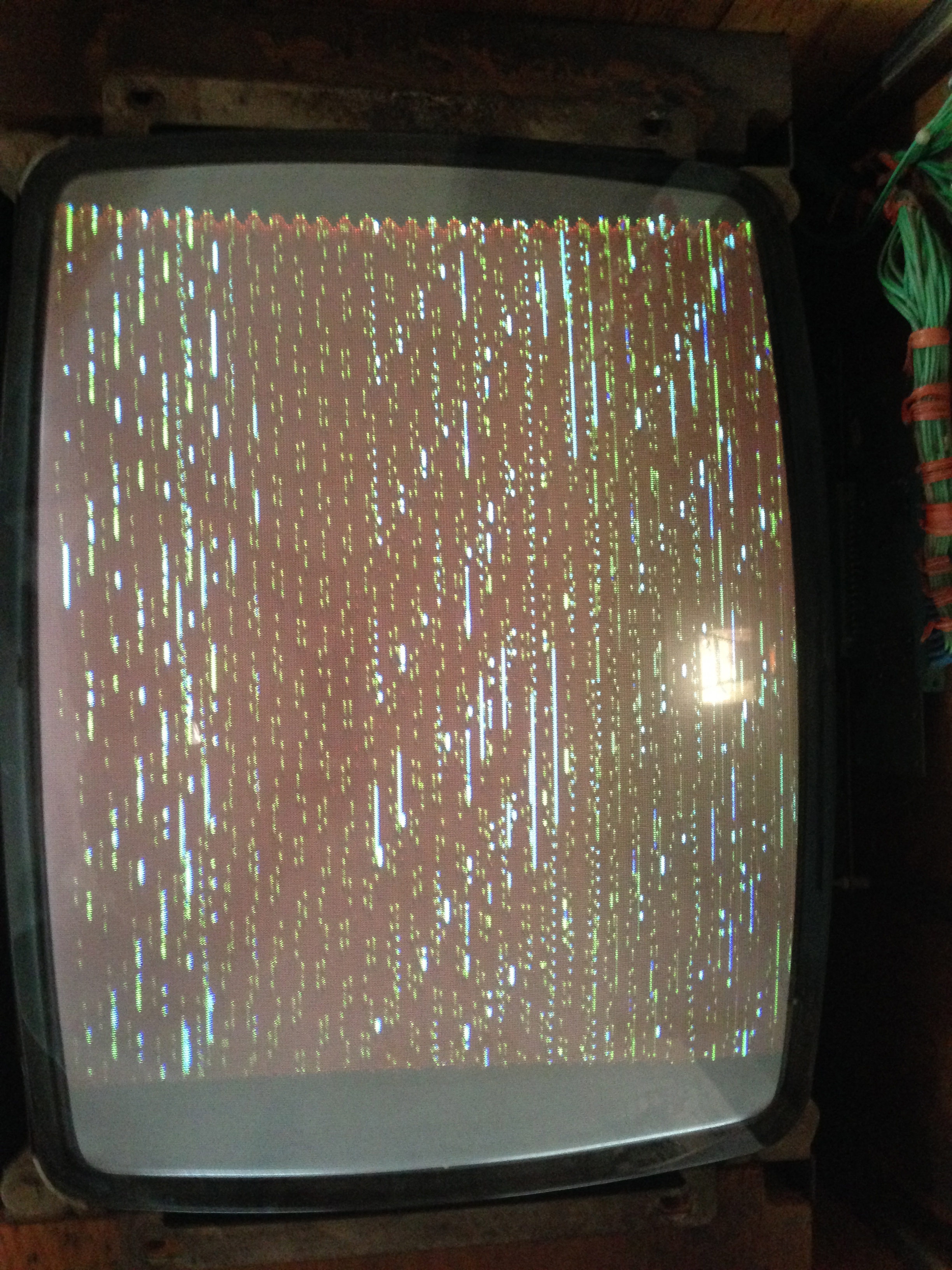
Question from Steve: I have attached four pics of my monitor. I have an intermediate electronics background. I have watched several of your videos but have not seen this particular problem. Any help would be appreciated. Thanks, Steve
1 answer

Response from Jonathan: Steve,
First off, thanks for the pics. They help a lot! Looks like you have a Wells Gardner K4600 with some sync issues. First thing to check is the wiring. Make sure that the sync wire coming from the harness attached to your board is connected to pin 3 on the monitor chassis connector. Some people like to jumper the sync wire to pins 2 & 3 on the monitor chassis connector but this should not be done if your board is outputting composite negative sync (as the majority of boards do). Also, make sure that the solder joints on the monitor connector pins are making a good connection to the board. These solder joints have a tendency to crack over time due to plugging/unplugging the monitor connector.
With the simple stuff out of the way, let’s talk about what parts on your board that might be causing the issue. Transistors TR201, TR202, TR203, TR210 and TR308 all have to do with the sync so make sure they are all good. Also, check capacitor C315 and replace if needed. You might just want to do a complete cap kit as if one capacitor is bad there’s a good chance you have some other bad ones as well. You can order cap kits from eBay or from our friend Bob Roberts. Other than that, you may have some other cracked solder joints on the board. You might look the board over and touch up any areas which look like they could cause an issue.
Hope that helps. Thank you for your question and good luck with your repair.
This question has been closed
