

Return to Q&A Database
jamma 60 in 1 question
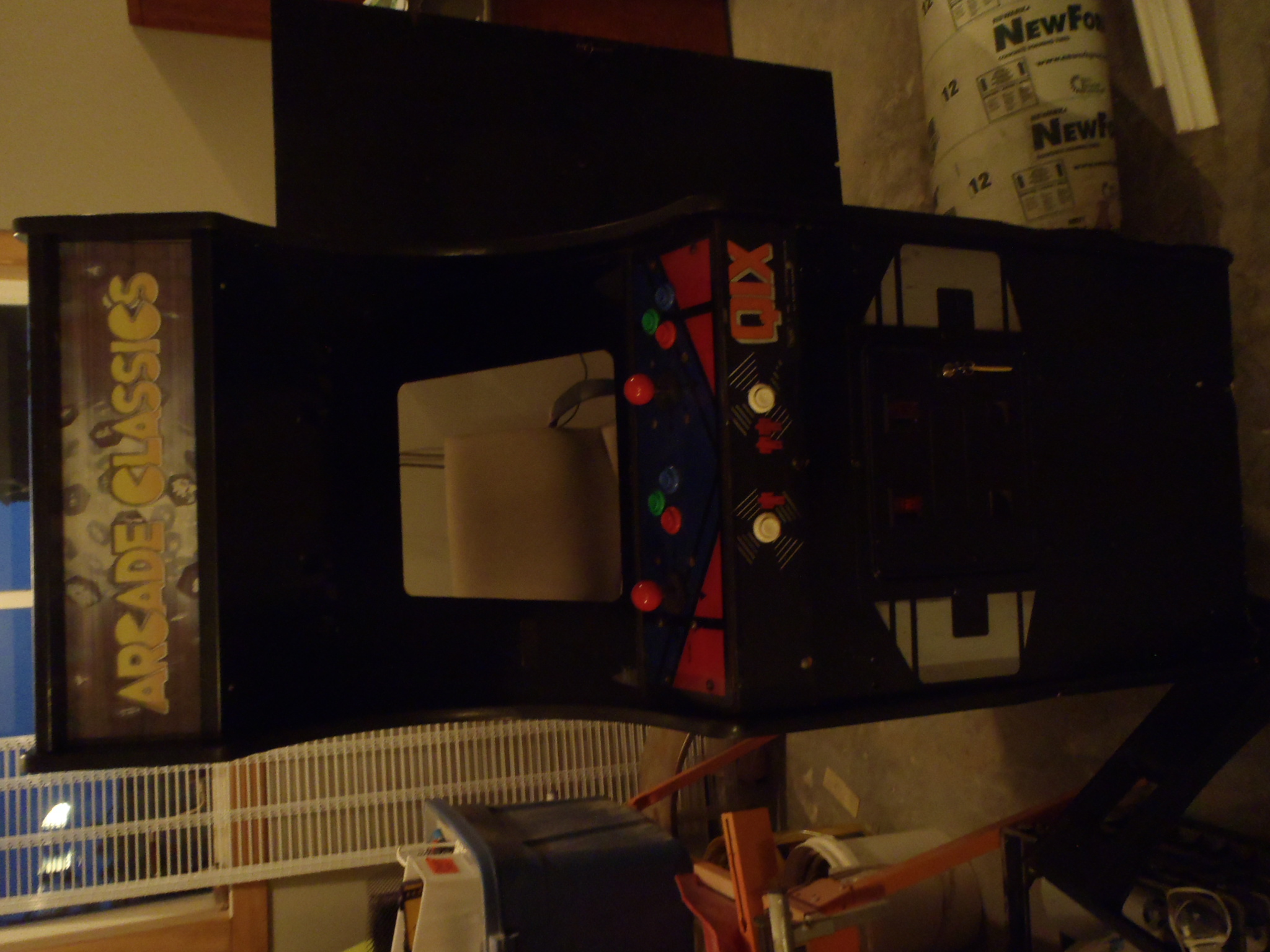
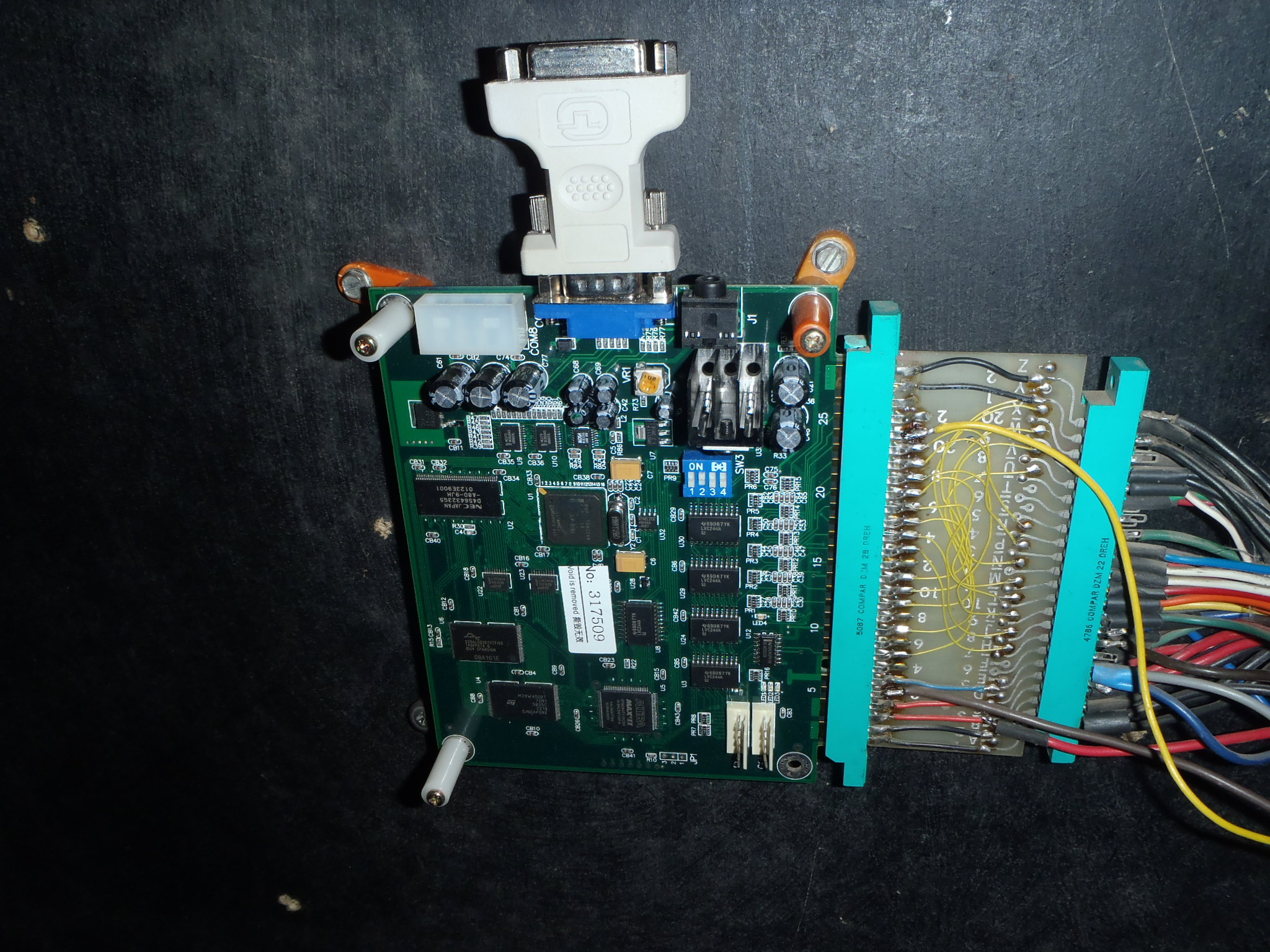
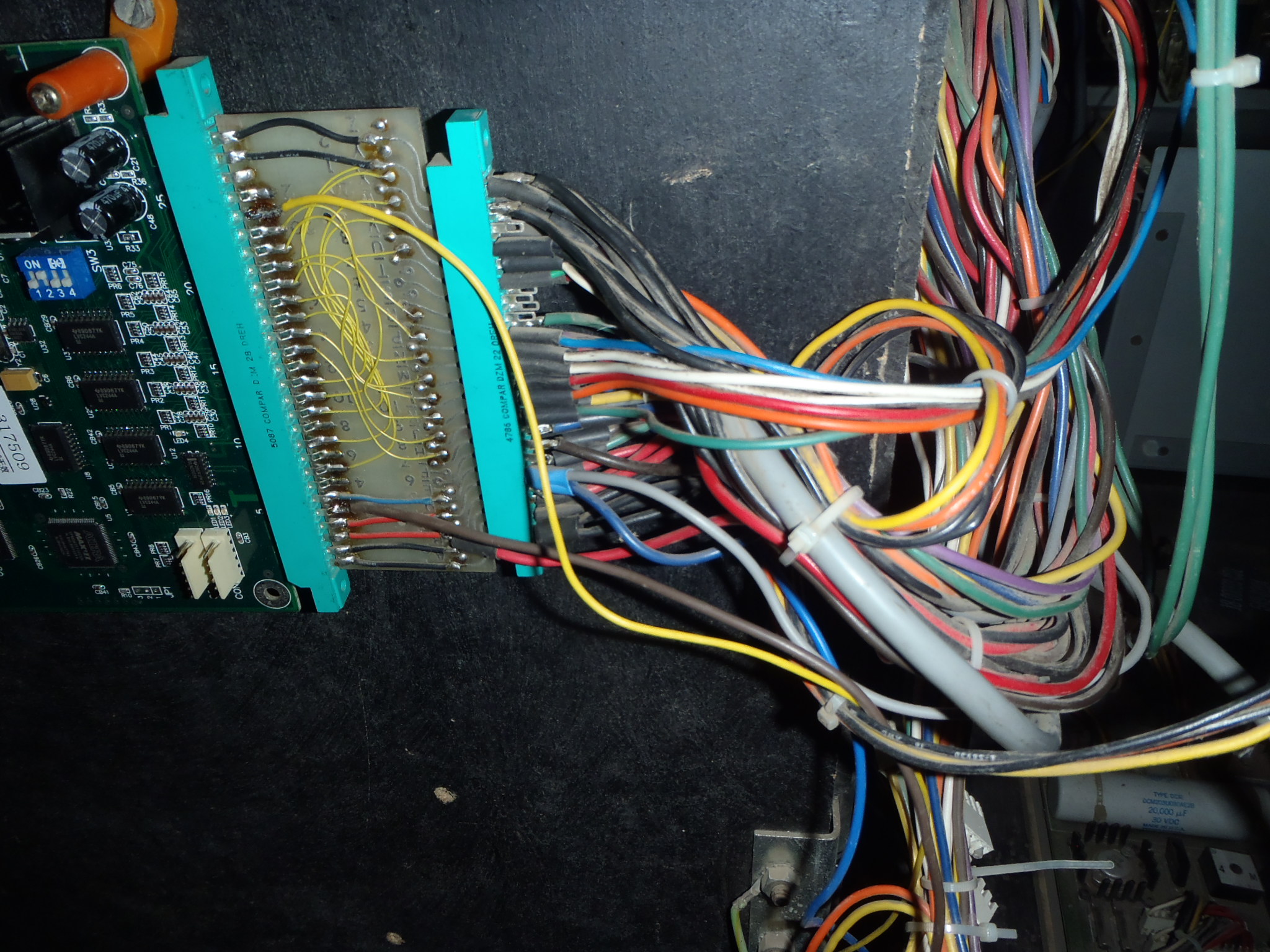
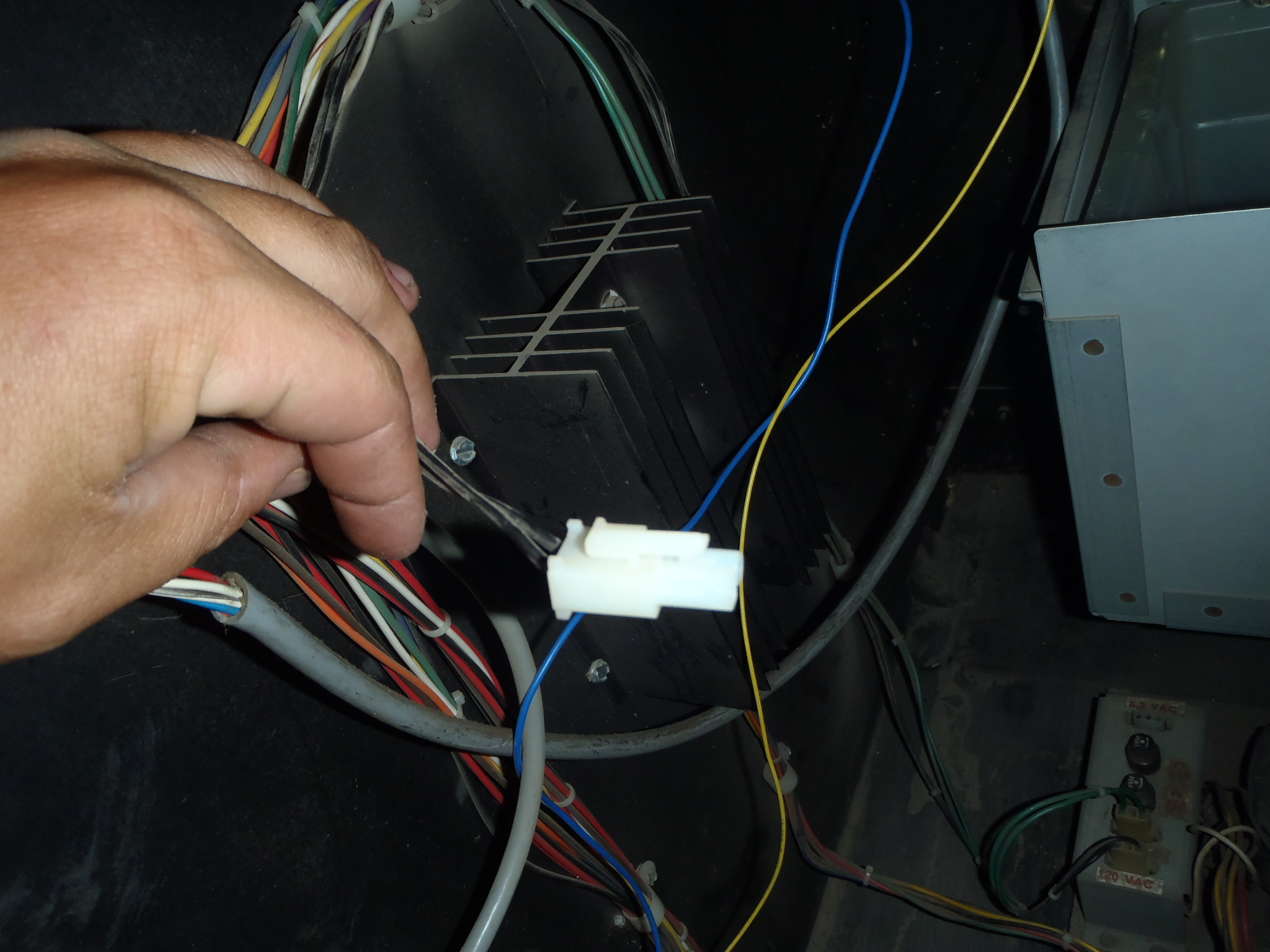
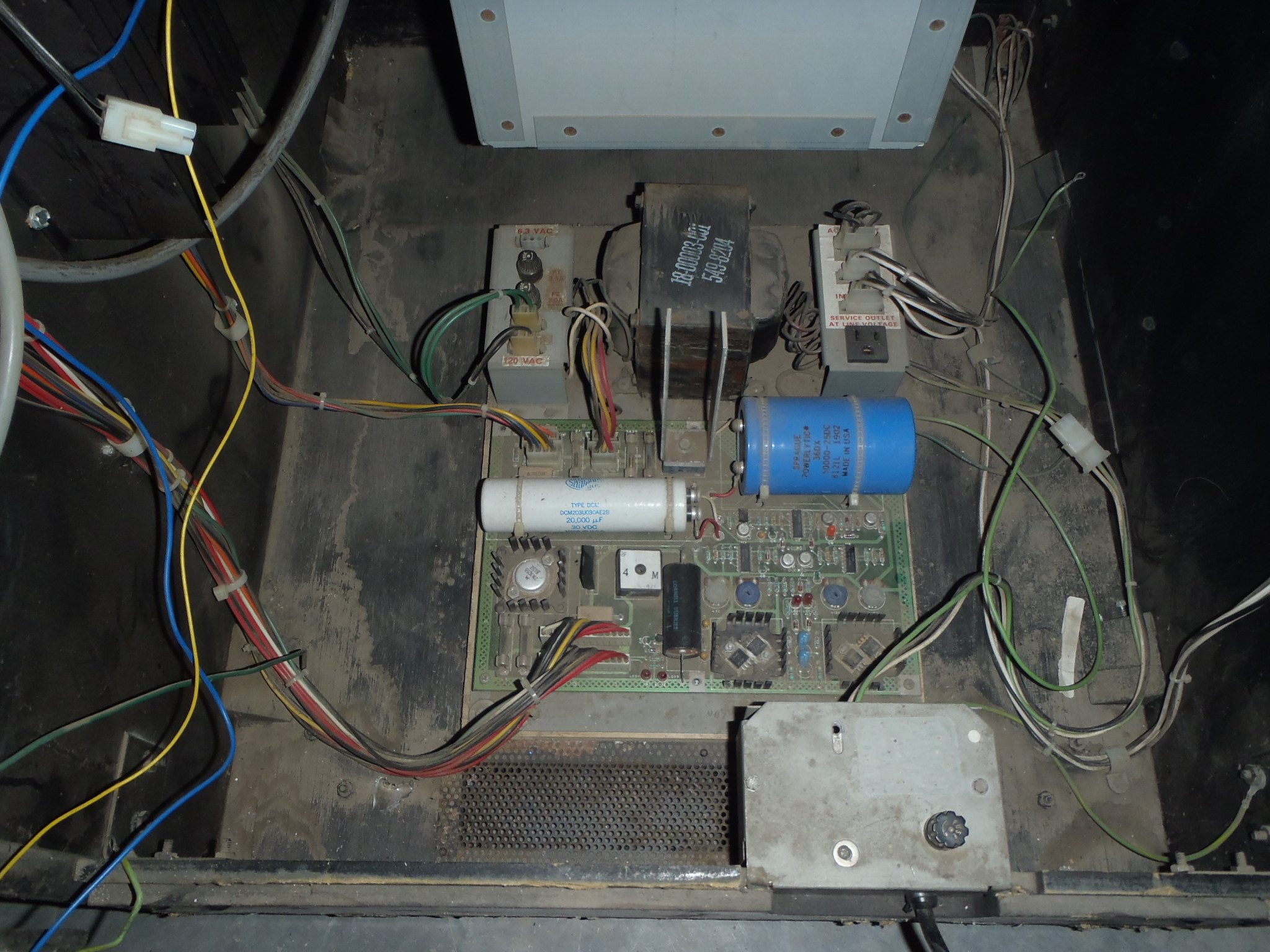
Question from Kurt: I’m sure you get lots of questions regarding this product. I recently got an arcade cabinet with an old motherboard of some sort in it. It had a broken CRT monitor but they said all I had to do was plug in a LCD computer monitor and it should work. This old machine has a new JAMMA 60-in-1 installed inside with what appears to be finger board adapter. I’m not sure if it is wired properly. It powers on but I can’t get any image on the monitor nor do I hear any sound. I changed the dips for the monitor but still nothing. I understand I might not get sound for up to 10 minutes while the machine initializes and I have not had it on for that long as nothing shows up on the monitor. I have attached some photos, maybe something will catch your eye. Would I be better off putting a new power supply in the machine and re-wiring it all into a new 60 in 1 harness? Kurt
1 answer

Response from Jonathan: Kurt,
It is a good idea to rewire it using a new harness but I’m not sure that it will solve your issue. While the wiring does look a bit messy, I’m not seeing anything that is out of the ordinary. Of course, one of the first things we always check is the voltage getting to the board. Many of these 60-in-1 boards have LEDs on them that will indicate if the board is getting voltage (although it might not tell you if the voltage is correct). If these LEDs are not coming on when you power up the game then you could have a power supply issue. At this point, you might check your voltages at the power supply and at the harness (we usually do this with the board unplugged) to make sure that everything is correct. Check out our post on Checking And Replacing A Power Supply for more information.
If the LEDs on the board are coming on and the voltage is correct, I would leave the game on for the 10 minute period to see if you get any sound. If you’re not getting sound, you could have more than just a monitor issue (i.e. power supply or board could be having issues). I see that you are using a VGA to HDMI adapter to plug your monitor in. This adapter could be part of your problem as well. Sometimes boards like these do not put out enough voltage on the VGA output to support these types of adapters. You might try using a monitor that accepts VGA natively to see if that makes a difference.
Hope that helps. Thank you for your question and good luck with your repair.
This question has been closed
