

Return to Q&A Database
G07-centipede
Question from Paul: Hi Tim/Jonathan, I stumbled upon your site today when my 8 year old daughter asked, “What game is this and why isn’t it (Centipede) working dad?!” Great point. Now that I have some time and motivation, I’d love to get it working again.
Long story short, I’ve had a stand up Centipede for a couple decades. It’s in pretty good shape, but some years ago, I started getting some picture sag on the monitor (to be expected from an Electrohome G07 of that age). I removed the monitor chassis and sent it to Chad Entringer at Arcade Cup for a new flyback, caps and coil. I also rebuilt the control panel with a new firing button, trackball and overlay.
Unfortunately, when I put it all back together, I can hear the game playing and all the controls seem to work, but all I get is some faint garbage on the screen. I did a quick check of all the connections, but admit, didn’t dig too much deeper.
Any suggestions?
Thanks!
Paul
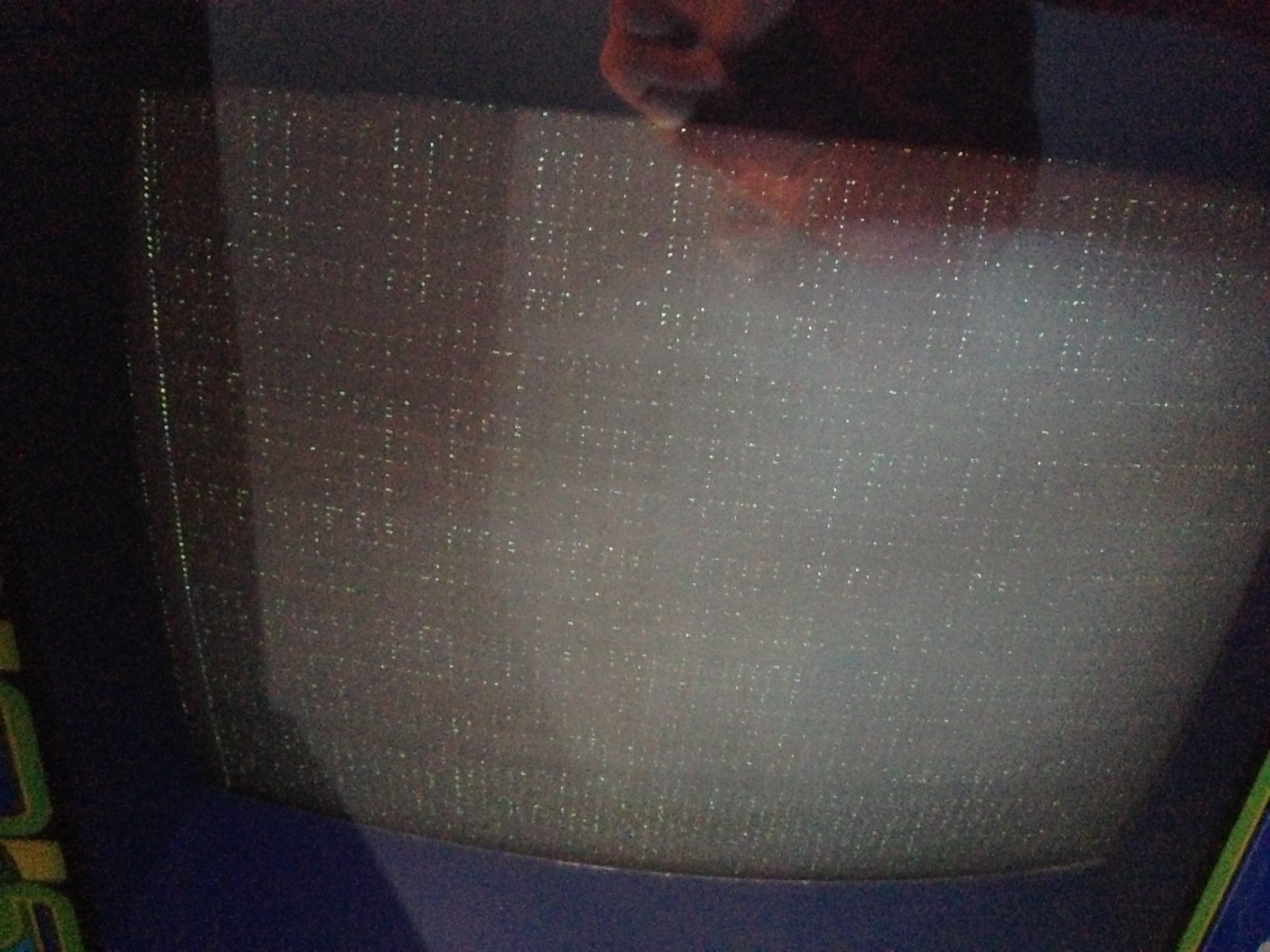
1 answer

Response from Jonathan: Paul,
It looks like you are having some sort of sync and/or voltage issue with your monitor. First off, make sure that the connector that goes from the Centipede harness to the monitor chassis of the Electrohome G07 is connected properly (i.e. no frayed or broken wires, connector pins in good condition, connector not burned or broken, the correct harness wires are associated with the correct pins on connector, etc.). It’s also a good idea to check for cold or cracked solder joints around these pins on the monitor chassis. If you do find bad solder joints, try touching up the solder on the pins to see if it restores the connection.
If the connector is making a good connection to your monitor chassis then you might try some adjustments to see if it helps the problem. Try specifically adjusting the horizontal frequency to see if it makes any changes in the picture. Check out our post on Adjusting An Arcade Monitor for more information on this process.
It’s also important to check your B+ voltage to make sure you are getting around 120 VDC. You can measure the B+ voltage by checking the giant white resistor (R1) on the left hand side of the monitor chassis. One end of the resistor shows the regulated output and the other end is unregulated. Be sure you have the meter connected to the correct end of the resistor. Bob Roberts has a nice diagram of where the B+ check point and adjustment is located if you need help finding it. Of course, you will want to turn up the B+ voltage adjustment if the voltage is low.
Now, there could be other things wrong with your monitor but this should give you a good idea of where to start. Please let us know if you have any additional questions and we’ll try to help you out further.
Hope that helps. Thank you for your question and good luck with your repair.
This question has been closed
