

Return to Q&A Database
Washed Out Colors on Big Buck Hunter monitor
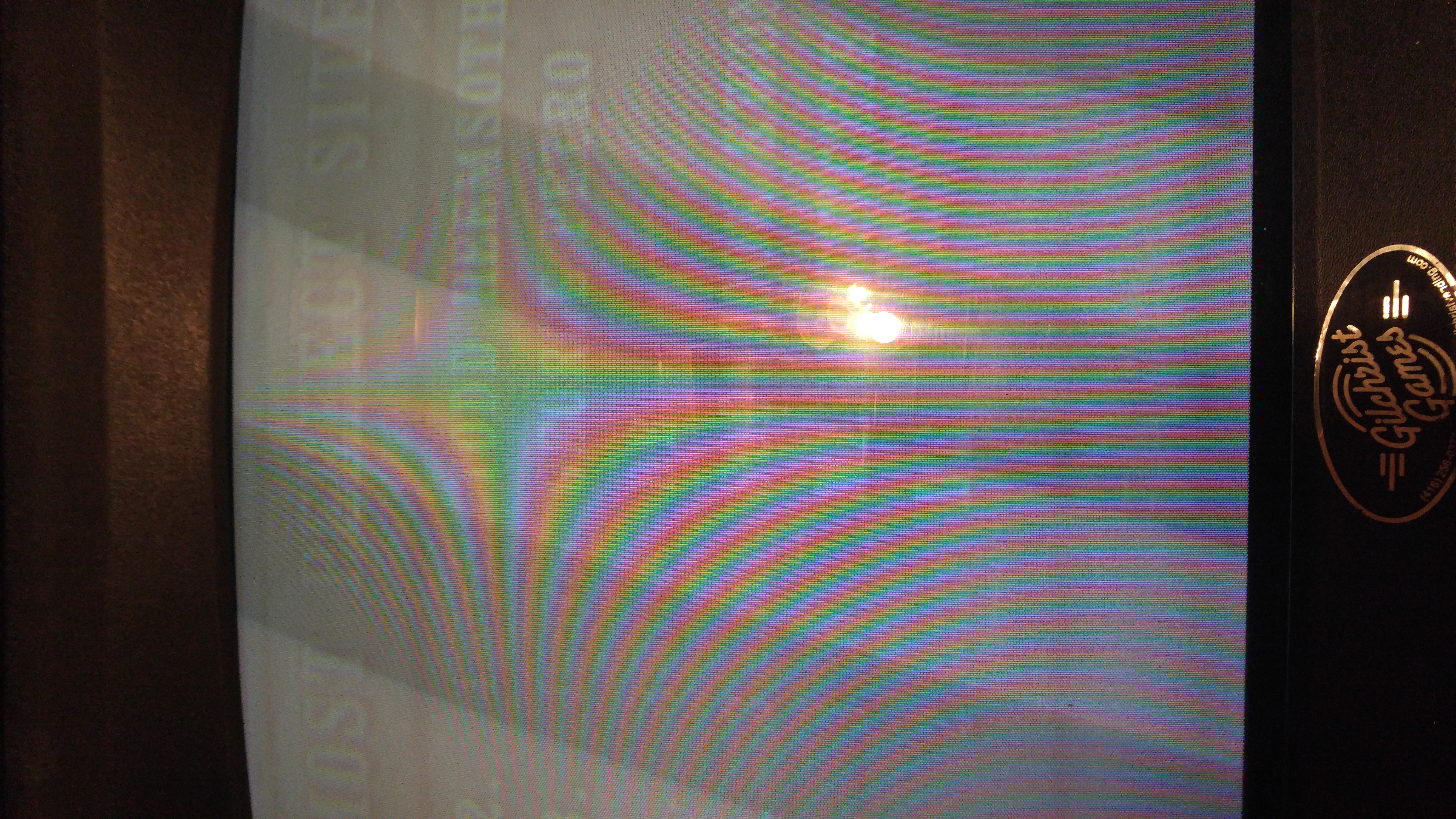
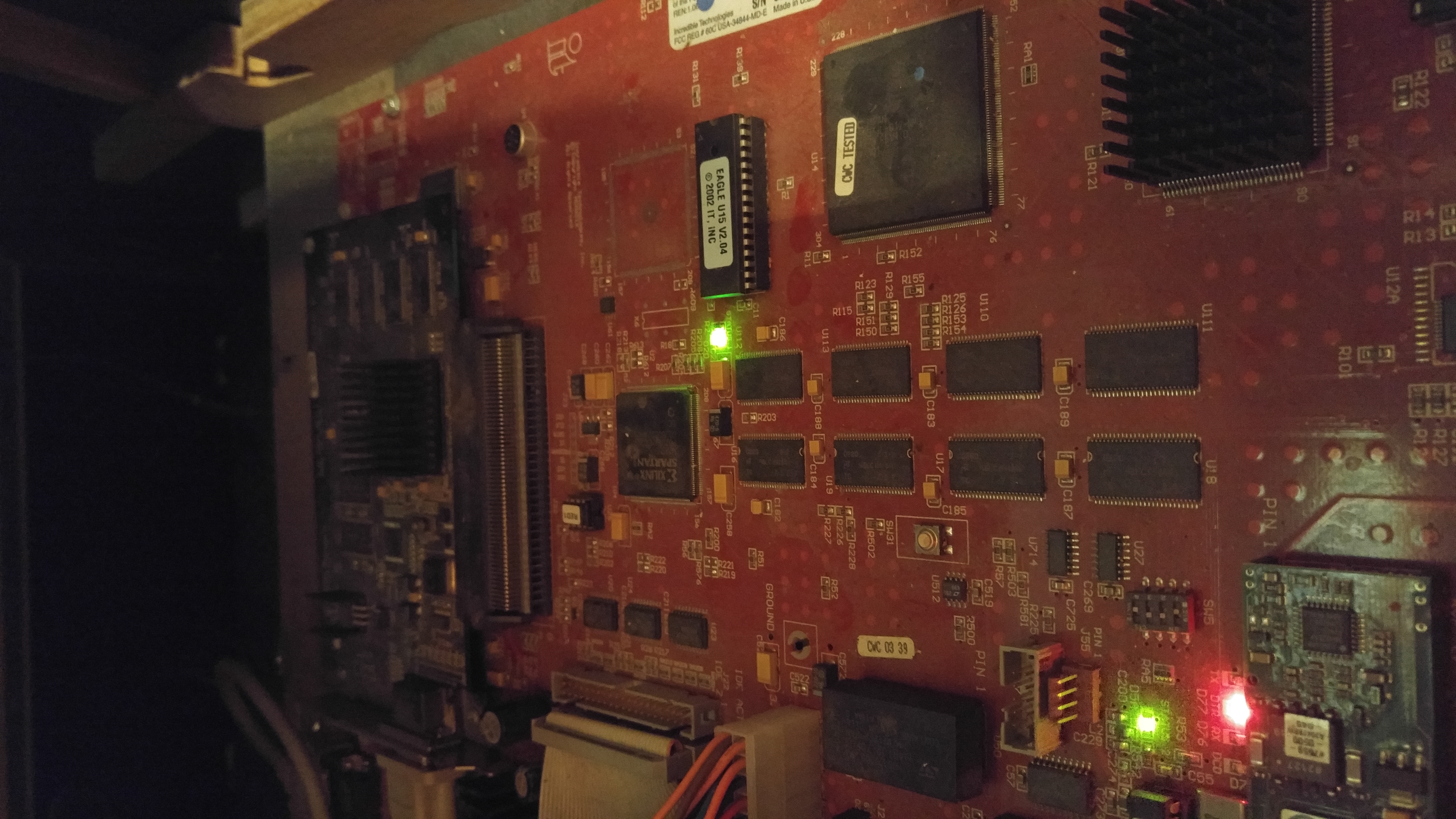
Question from Darrell: Hi, I have a Big Buck Hunter: Sportsman’s Paradise. It’s colors look washed out. I had someone come and rejuvenate the tube but it didn’t help although he said everything was good. He burnt the guns so I don’t know if my monitor is gone or my board or what. I live in Winnipeg. I haven’t tried ordering a cap kit. I wouldn’t even know which one to order. I hope this is helpful. Any help is appreciated. My game cabinet is Golden Tee as it had a trackball at one time. Also, I don’t know anything about monitors, just what I see online. Thanks, Darrell
P.S. I have a video but its to big to send so I tried a few pics
1 answer

Response from Jonathan: Darrell,
Yes, a cap kit would definitely be the next step that we would recommend in restoring the colors back to this monitor. We do have a quick question before we recommend that option. Have you tried adjusting the monitor? Sometimes washed out colors like this can be caused by the brightness on the flyback or the chassis being turned up too high. Try turning down the brightness adjustments and turning up the contrast adjustment and see if it makes a difference in your picture. Check out our post on Adjusting An Arcade Monitor for more information on this process.
Now, if the adjustments don’t work then we recommend proceeding with the cap kit. Please see our post on Installing A Cap Kit for more information on the process. In this post, there is also a link to the What’s My Monitor page on Bob Roberts website that will help you identify which monitor you have so you can order the correct cap kit for it. Obviously installing a cap kit does require some soldering skills so if you’re not familiar with this you might order our Volume One DVD as it has a soldering tutorial video that you might find helpful. You can also purchase this video on our YouTube page if you would rather go that route. We also recommend checking out our post on Removing And Installing A Monitor Chassis as you will need to take the chassis out of the game to work on it.
Hope that helps. Thank you for your question and good luck with your repair.
This question has been closed
