

Return to Q&A Database
Cocktail Pac-Man S/N 20958
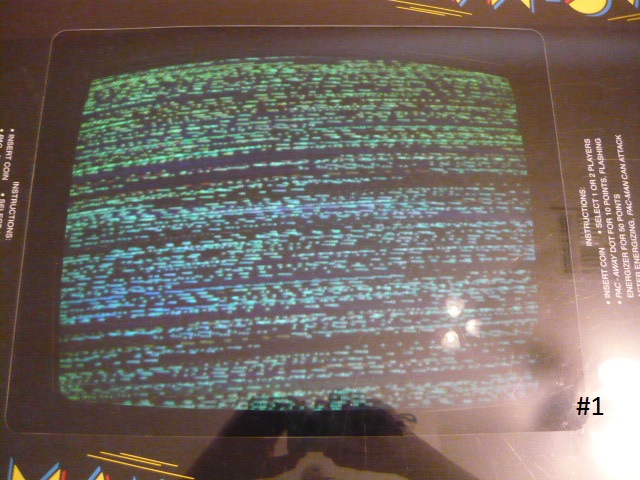
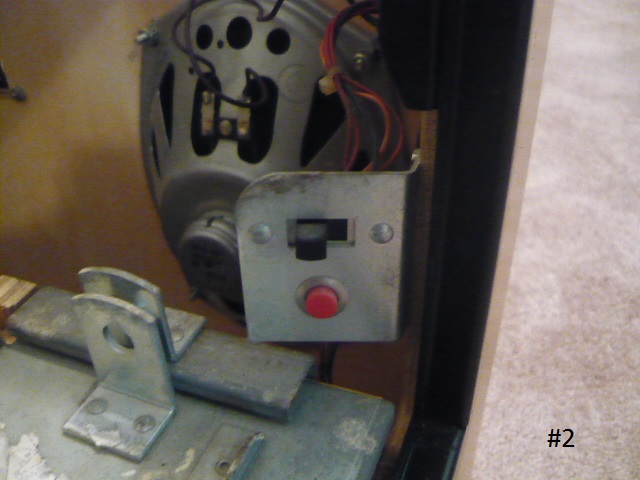
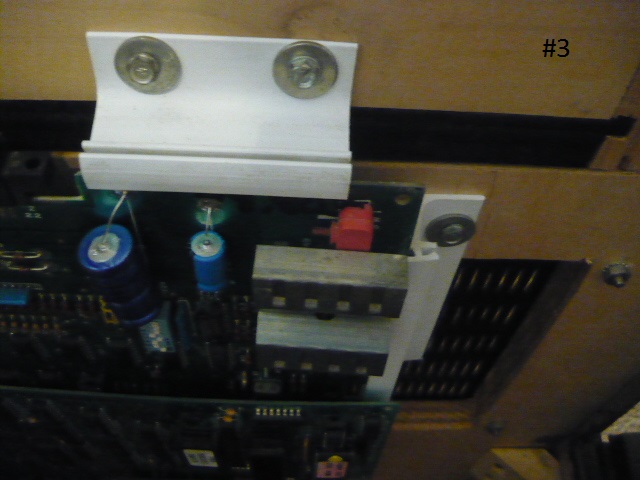
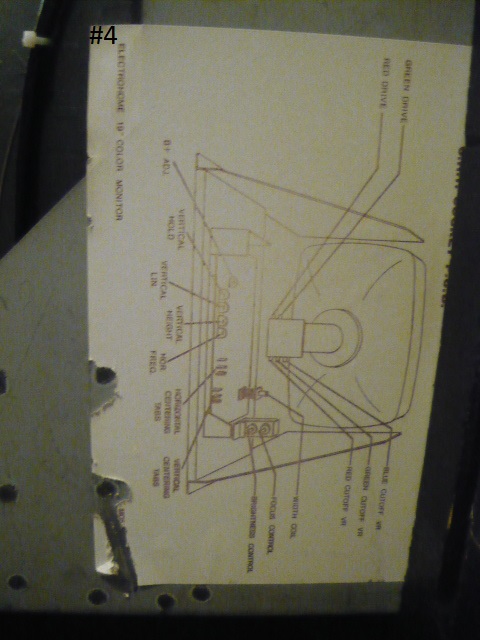
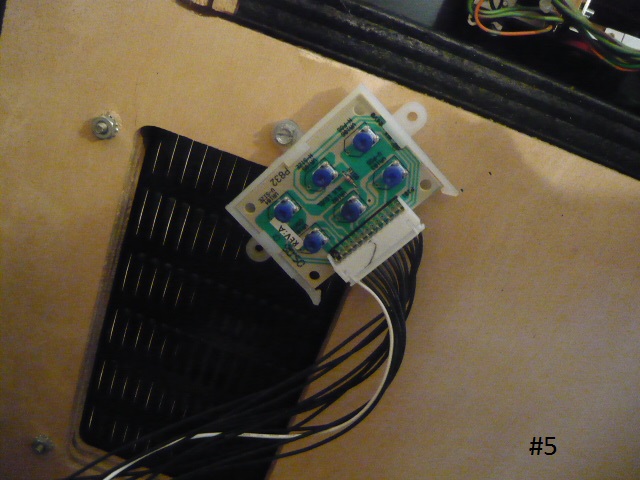
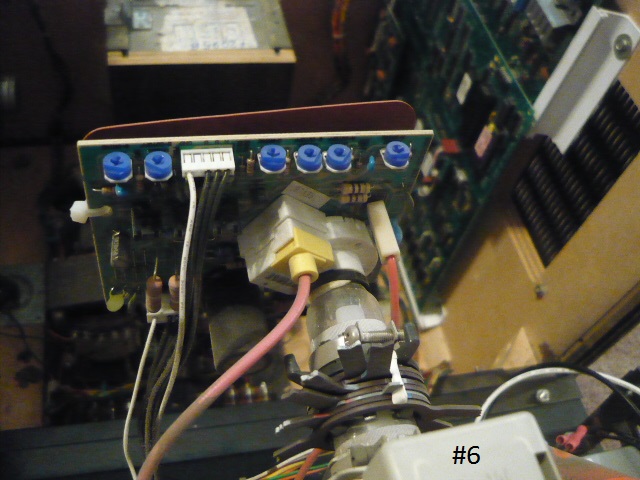
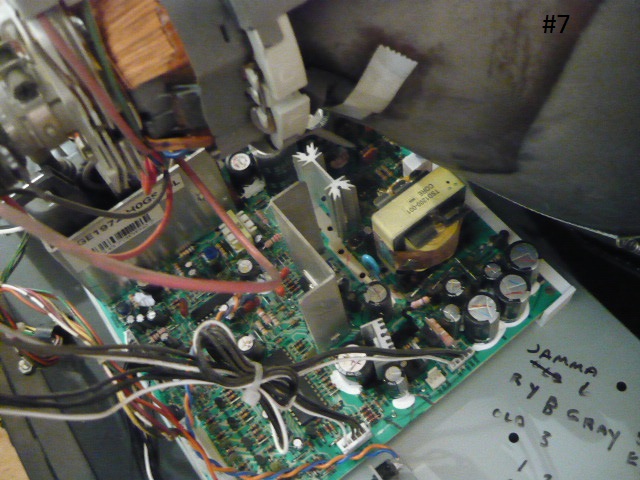
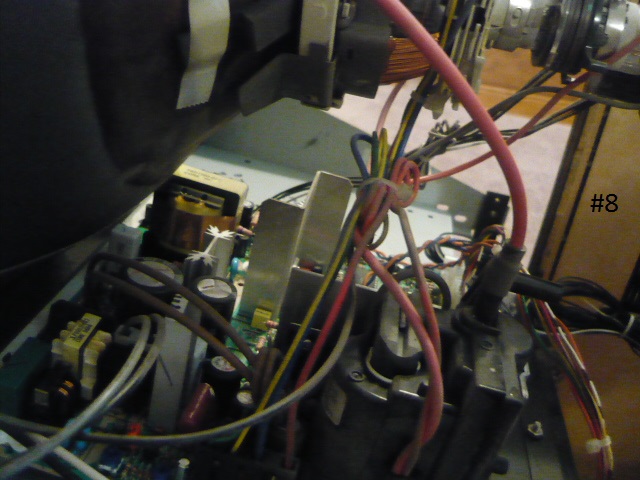
Question from George: I recently purchased your Arcade Repair Tips Volume Two DVD. I followed the instructions as best I could but it would appear that our game has some very distinct differences. Photo #1 shows what the display currently looks like. I tried adjusting both the Vertical and Horizontal adjustment pods but it did not seem to make any difference. I know the switch in Photo #2 is the test switch but I cannot tell which position is test and which is game. The small red switch in Photo #3 I have no idea what it is for? Photo #4 is the locator chart on the lower right side of the chassis. Photo #5 shows the remote mounted adjustment panel. This is where I tried to make the adjustments. Photo #6 is the color adjustment board. Photos #7 and #8 are of the circuit board. The game board had been sent out for repair when I started this project. Originally this game had a broken joystick controller and a couple of other small problems, lights and so on. Do you have any idea where I should go from here? Any help you can give me will be greatly appreciated. Thank you! George
1 answer

Response from Jonathan: George,
First off, thank you for buying our DVD and supporting us. We really appreciate it. Hopefully you have found the content on our Volume 2 DVD helpful.
As for your question, it looks like you’re experiencing some sort of sync issue with your Pac Man monitor. It’s possible that the sync wire that runs from your board to your monitor is not making a good connection. It could have come out of the connector, it could have been cut or damaged over time, the pin that the wire connects to could need some solder touch up on the monitor chassis, etc. Make sure you check these areas for issues. If you do end up removing the monitor chassis from your cabinet, you might try looking for cracked or cold solder joints on it while you have it out as these can cause issues such as this.
Looking at your pictures, it would appear that this monitor is not the original monitor. It looks like this is a WGE1972 which is a newer monitor than what you would find in most Pac Man cabinets. I believe this monitor is more commonly known as a 19K7203. You might try adjusting the VR501 pot and see if it makes a difference. I believe this pot is located in the middle of the main monitor chassis. There’s also a troubleshooting guide on Wells Gardner’s website you might check out as it has some great information on how to solve issues based on the particular symptom you are experiencing.
Also, since you are working on a Pac Man, we HIGHLY recommend checking out the Lawnmowerman‘s Pac-man Website for some excellent information on working with Pac Man style cabinets. Of course, please feel free to contact us again if you have any additional questions about your issue.
Hope that helps. Thank you for your question and good luck with your repair.
This question has been closed
