

Return to Q&A Database
D&D Tower of Doom console
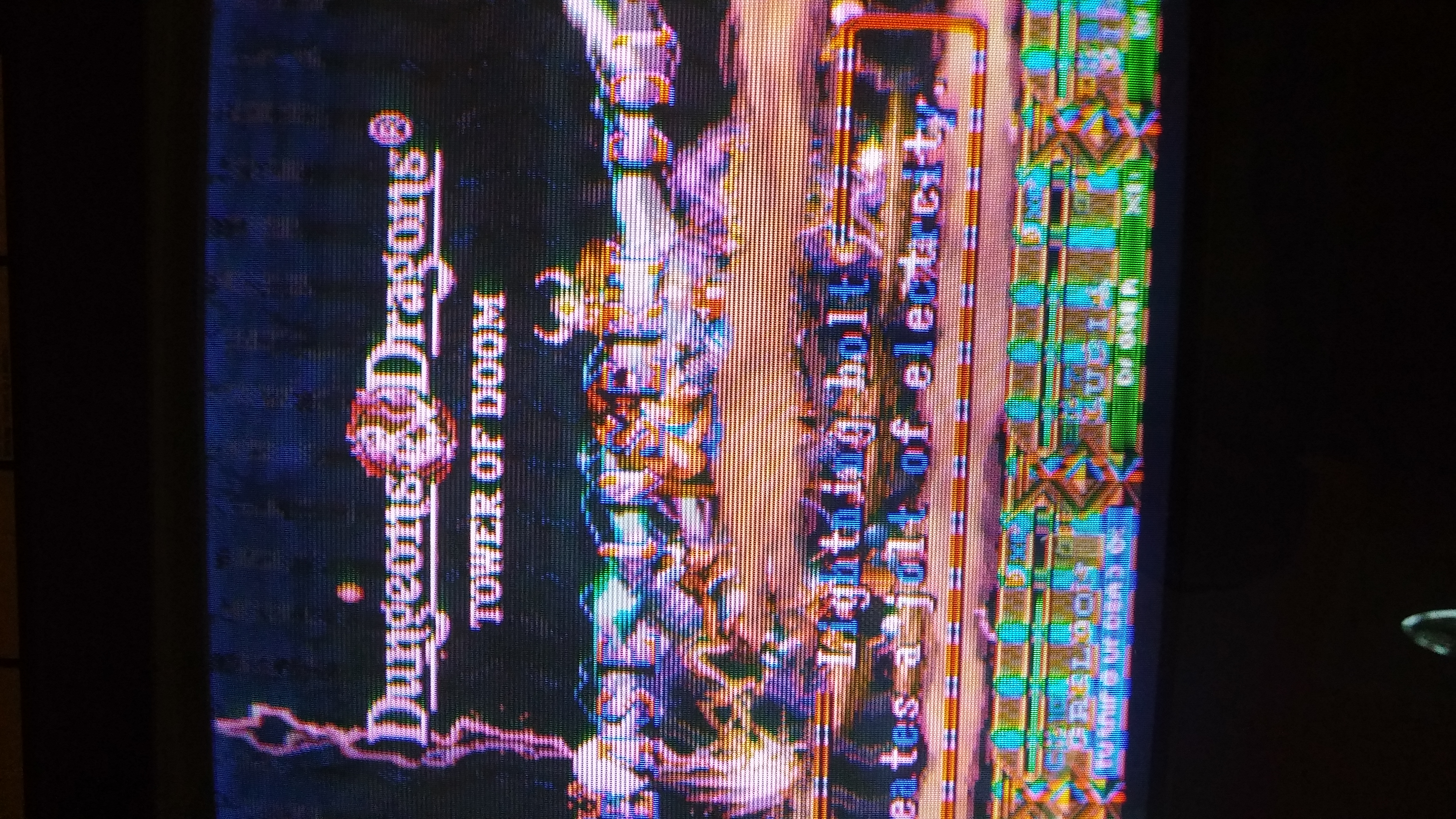
Question from Matt: Mornin! How do I fix these lines on the monitor? I tried the knobs for brightness/sharpness/and colors. I also made sure everything was connected/set in place. Any help would be awesome! Thanks, Matt

1 answer

Response from Jonathan: Matt,
Lines like this are often caused by an issue with the board. Since Dungeons & Dragons: Tower of Doom is a CPS-2 game, you might try separating the A & B boards and reconnecting them back together. Please note that these boards are usually held together by clips located on the side of the boards so make sure that you remove the clips before trying to separate them. When you reconnect them, make sure that you apply pressure to the 4 connectors where the boards meet (these are located in the 4 corners of the board). You can also make sure that all of the pins are straight and making a good connection to the proper pin holes.
If you continue to have problems after separating and reconnecting the A & B boards, you might check out our post on Inspecting An Arcade Board for some more tips that can help you get your board up and running 100%.
Hope that helps. Thank you for your question and good luck with your repair.
This question has been closed
