

Return to Q&A Database
Missing red on hantarex MTC9000
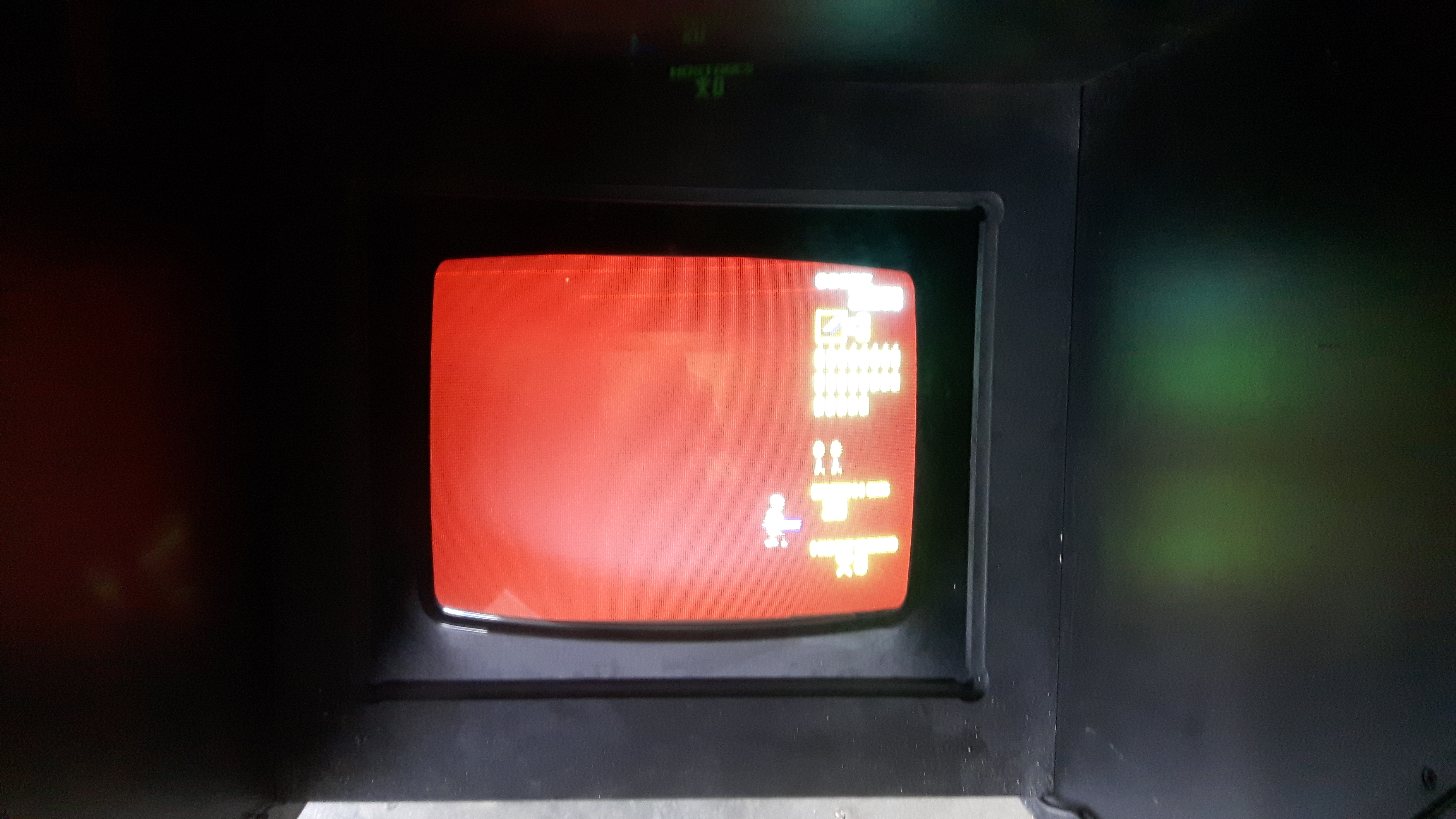
Question from Win: Hi Guys, I have a Hantarex screen on my Operation Wolf where the black has turned red. I can get the black to black again by playing with the red cut off and red gain, but then there is no red at all. I also have 2 strange small red horizontal lines on top of the screen, see picture. So I have or no red or a complete red screen (instead of black). I have already installed a cap kit without result. Do you have any ideas? Greetings from Belgium. Best regards, Wim
1 answer

Response from Jonathan: Wim,
Color issues such as this are usually caused by either a bad monitor input wire connection or a color drive transistor problem. We recommend starting off this repair by making sure that the red video input wire that connects to the monitor chassis from the main PCB in your cabinet is making a good connection. It’s also important to check that the pin on the monitor chassis where this wire connects is properly connected to the board as well. You might need to touch up the solder on this pin in order to ensure that it’s connected properly. If the issue continues after checking the monitor input wiring then you could have an issue with a color drive transistor. On the Hantarex MTC 9000, there are color drive transistors on both the main chassis and the neck board. Make sure you check the transistors at positions TR7, TR8, and TR9 on the main chassis as well as TR201 on the neck board and replace as needed. Hopefully checking these two areas will get your monitor back up and running.
Hope that helps. Thank you for your question and good luck with your repair.
This question has been closed
