

Return to Q&A Database
Monitor issues
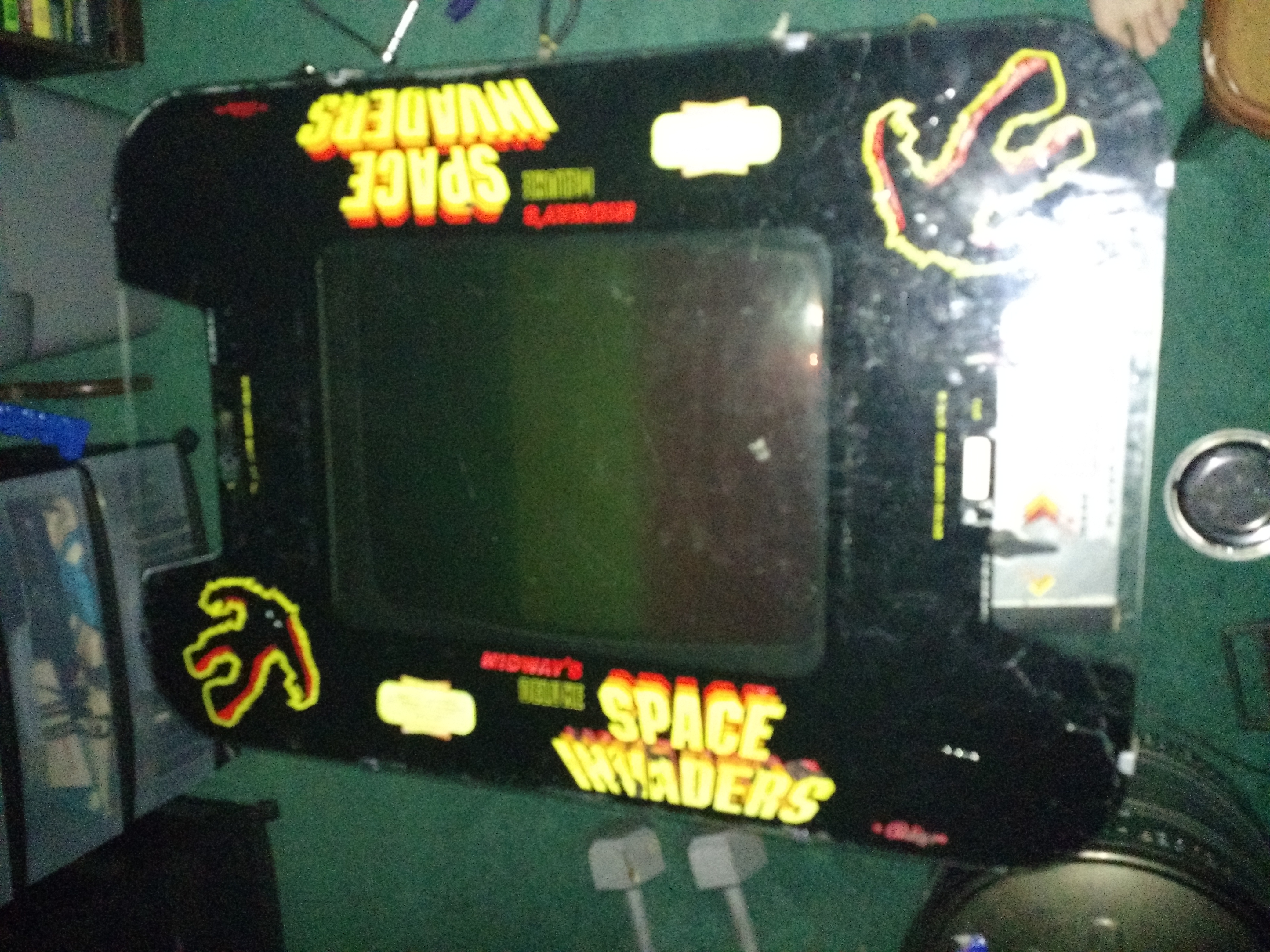
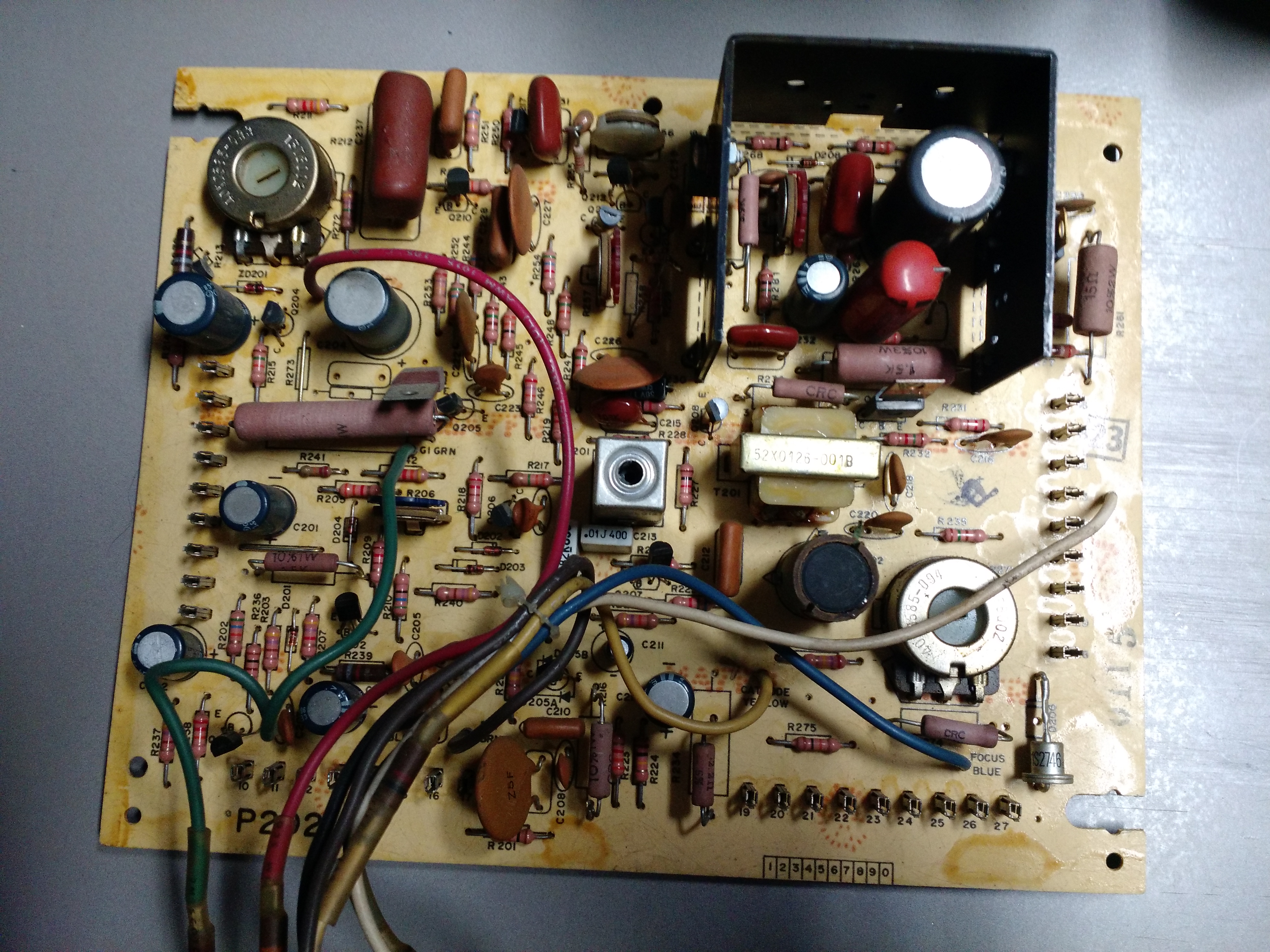
Question from Evanta: So, I have a problem with my monitor. I recently picked up a 1979 or 1980 two player Midway Space Invaders cocktail table. I had just picked it up and was cleaning it out with an air duster and spraying some contact cleaner. Well, I plugged it in and fired it up but now all I get is a straight vertical line from first player to the second player. The flyback suction cup is on top by the second player and the line runs through so I’m not sure if that’s a vertical collapse. I will include some pictures. I am missing something…
If you would like another photo just send me an email! And thank you! Any help on this matter will be greatly appreciated!

1 answer

Response from Jonathan: Evanta,
Yes, this does sound like you are having some vertical collapse issues. If I had to guess, it’s probably a cold solder joint somewhere on your monitor chassis. Probably a good idea to go through the chassis and touch up any solder joints that look loose, cracked or broken. Also, it looks like your monitor may need a cap kit just based on your picture. There are several caps that are bulged on top that need to be replaced. From your pictures, it looks like you have a Wells Gardner 19V1001 monitor in your Space Invaders cocktail. You should be able to order a cap kit from the parts suppliers under the Arcade Parts Suppliers & Distributors heading on our resources page. If the problem continues after you have checked all the solder joints and installed the cap kit then you might want to look at the manual for the monitor and rebuild all of the parts in the vertical section of your chassis.
Hope that helps. Thank you for your question and good luck with your repair.
This question has been closed
