

Return to Q&A Database
Replace monitor
Question from Arlon: Hello Arcade Professors,
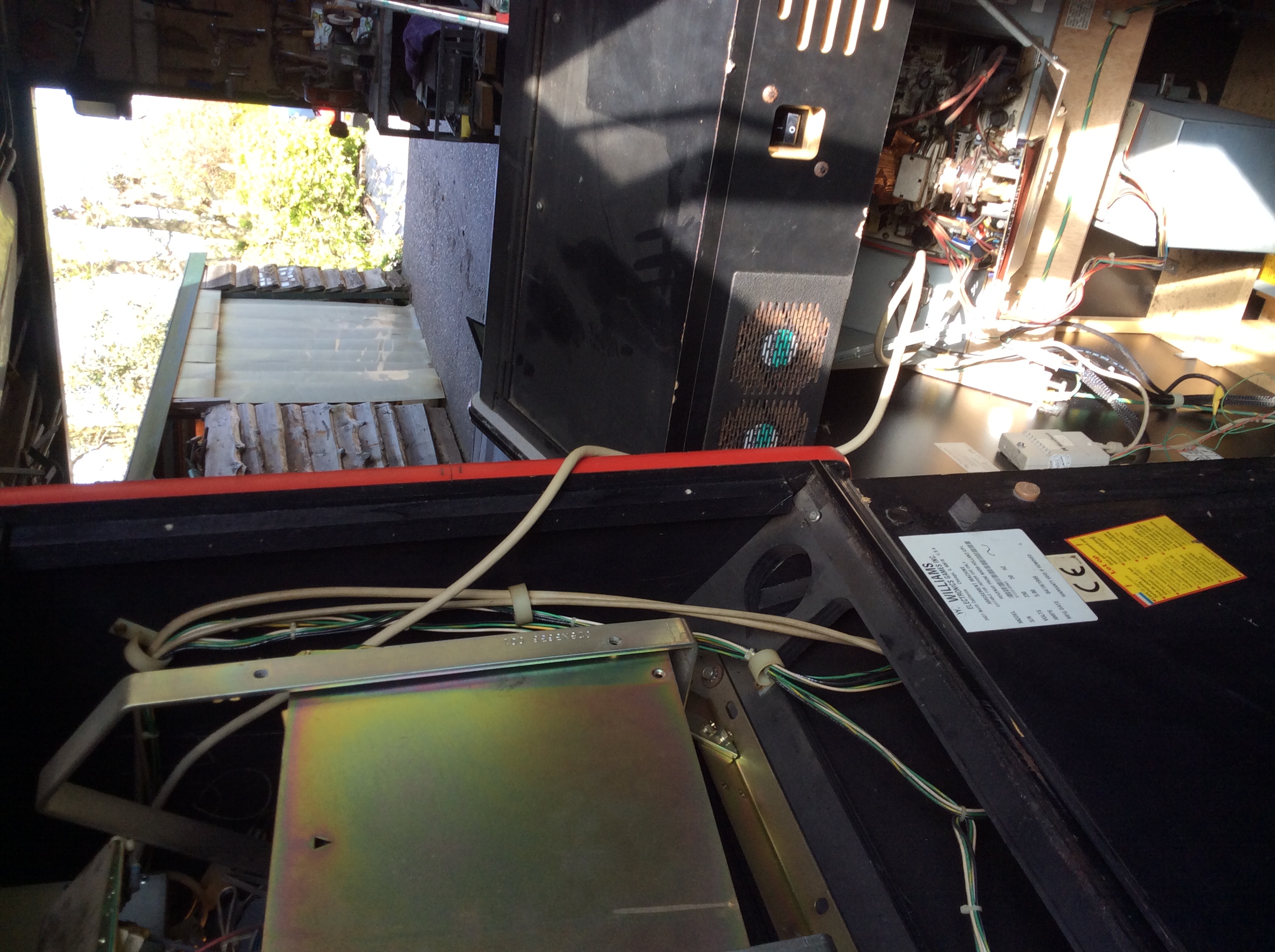
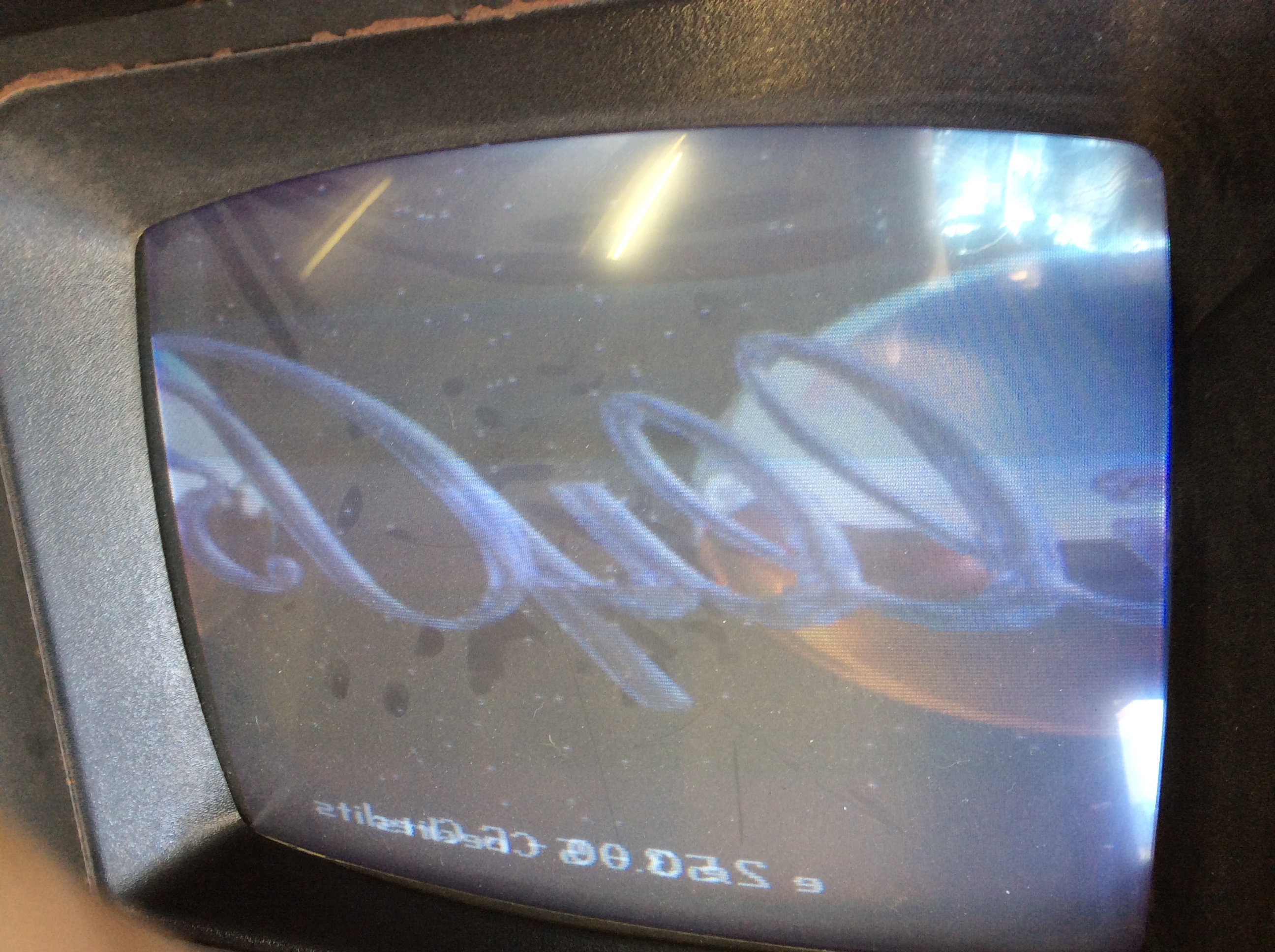
Thanks for sharing so much information, it has helped me a lot. Now I have a problem that I do not dare fix because I’m afraid I might damage something. I bought a Revenge From Mars pinball with a non working monitor. I didn’t know if it was the PC or the monitor so I hooked up another monitor to see what would happen. I got a picture so I think the PC is OK. The problem is the picture is not correct.
Watched your video about replacing monitors where you put 2 wires together to make the monitor work, I think I can do that maybe but I not know which ones.
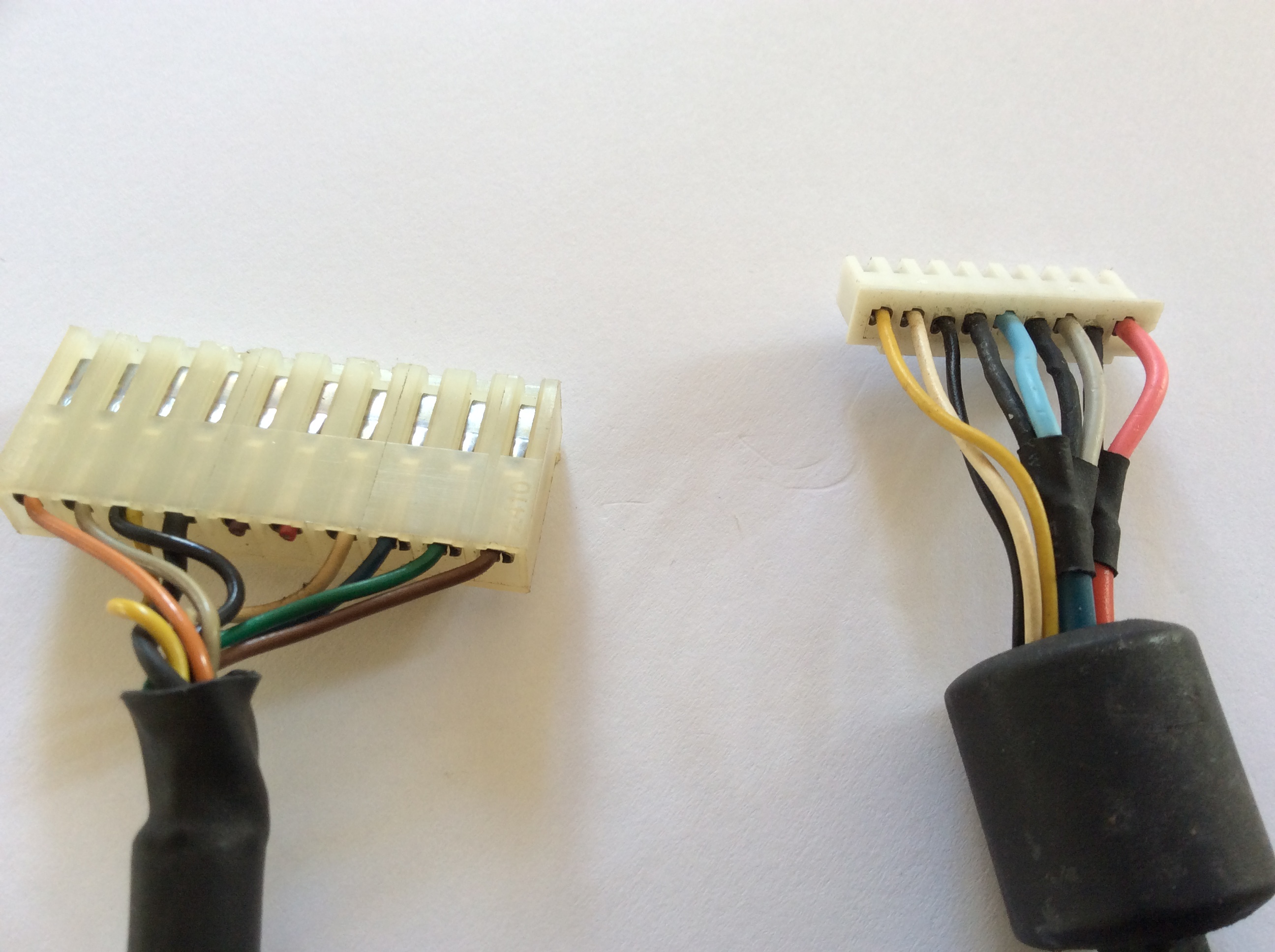
In my picture, the left is the original cable/connector and the right is the “new” monitor cable/connector.
Original connector: Pin1: orange, Pin2: beige, Pin3: back and yellow, Pin4: black, Pin5,6: empty, Pin7: pink, Pin8: black. Pin9: green, Pin10: brown
New connector: Pin1: yellow, Pin2: white, Pin3: black, Pin4: black, Pin5: blue, Pin6: black, Pin7: white, Pin8: black, Pin9: pink
I’ve got 2 options:
1. Use the new cable/connector (cut it and exchange/connect wires but I’m not sure I know how?)
2. Uses the original cable with the new connector (Cut it and exchange/connect wires but, again, I’m not sure I know how?)
Please help me, I tried to look up the answer but that kind of drove me crazy. Thanks in advance.
Greetings, Arlon from The Netherlands

1 answer

Arlon,
On your question, we would usually cut off the old connector for the old monitor and splice the new connector for the new monitor in it’s place. In order to do this, you will need to know where to connect the existing wires to the new connector. Unfortunately it’s not as simple as matching the colors since every connector seems to use a different color coding scheme. Your best bet is to trace down the wires from the board (using the schematic or pinouts) to determine which wires are used for the colors, ground, sync, etc. You will then need to splice the correct wires into the new connector in the correct positions. Of course, you will also need a pinout or schematic for the new connector as well in order to know which wires are in which positions. If the old connector has multiple syncs, you may need to join them as we discussed in our post and video that you mentioned in your original email. Otherwise, it should be a straight 1 to 1 match with each wire. Of course, if you need help matching the wires you can send us the pinouts for the old and new connectors and we’ll try to help you out.
Hope that helps. Thank you for your question and good luck with your repair.
This question has been closed
