

Return to Q&A Database
Road Burners Monitor Issue: Double Image (Stacked)
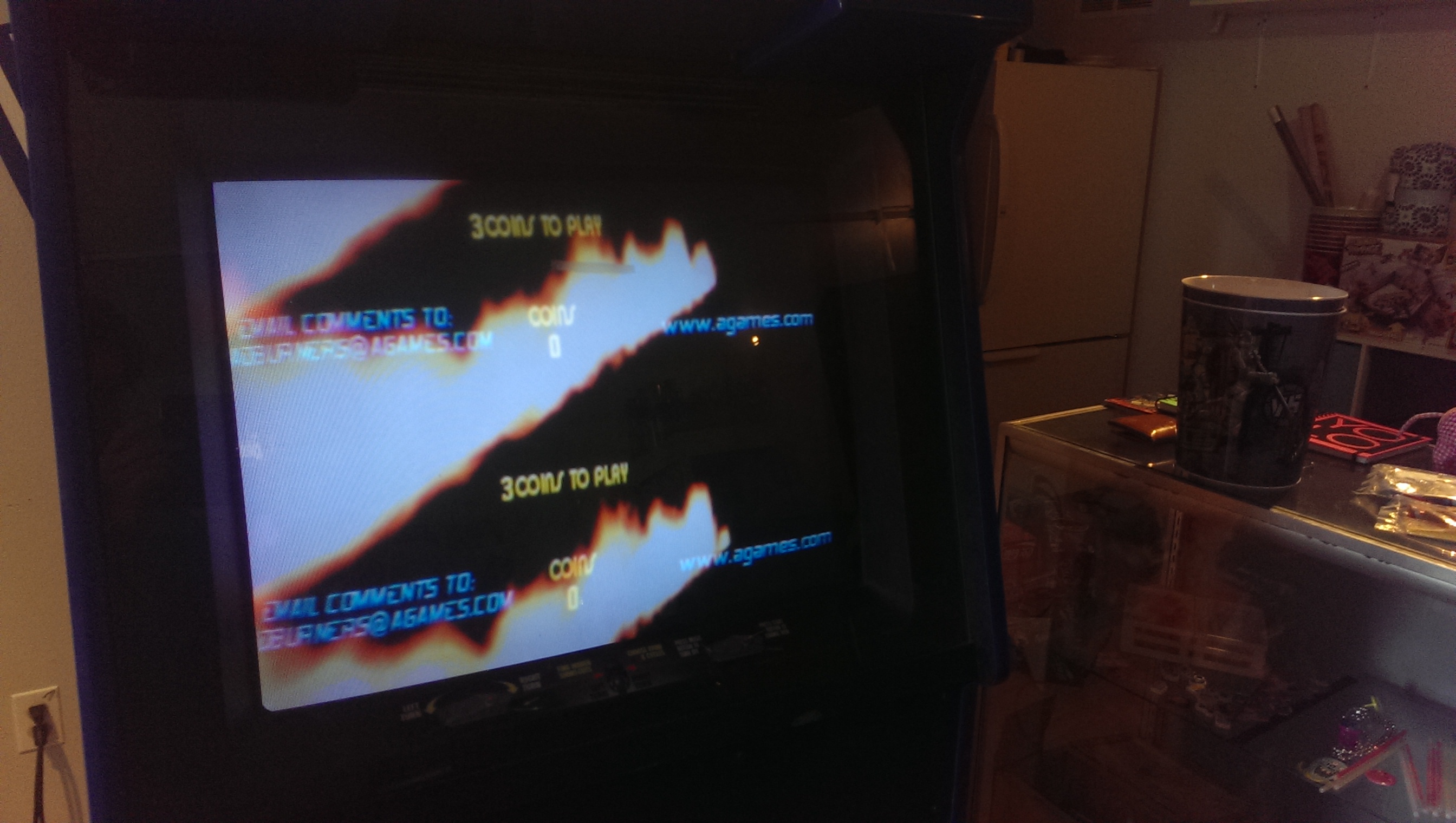
Question from Chad: Greetings again guys! I have another pesky monitor issue I was hoping to bounce off of you. When I first powered up Road Burners (VR motorcycle racing game), the monitor glowed, but no-one was home. After cracking her open, I discovered that the power supply for the game was shot, but was still passing through line voltage to the monitor, hence a glowing screen on top of a lifeless machine. So. Easy fix I thought…wrong. Which is probably what the last person thought while tinkering with this thing. After re-purposing a PC power supply and replacing the inexplicably missing VGA cable (motherboard to graphics card) and 40-pin connector (motherboard to hard drive), the game fired up, but with this issue: there seems to be a top on bottom double image. The only monitor related setting I could find in the manual that could be fiddled with by jumpers was one to change “polarity”. Which I changed, and the whole thing got worse. Any thoughts on a next step? Thanks again, Chad from Bozeman, MT
1 answer

Response from Jonathan: Chad,
This almost looks like a resolution issue. I looked at the manual and noticed that it doesn’t say what the different dip switches do which is very strange. Most games will indicate this in the manual. After doing a bit of searching, I found a post on KLOV by Edward Lutz (a friend of a friend) on this particular issue.
Link: http://forums.arcade-museum.com/showpost.php?p=1732307&postcount=6
You’ll notice he says that when he flipped #2 off he got a split screen. This sounds a lot like what you’re getting. I’m thinking that your Road Blasters might be in medium resolution mode right now and if you flip switch 2 to the on position you might get it to display in VGA resolution. Give it a try and let me know how it turns out.
Hope that helps. Thank you for your question and good luck with your repair.
This question has been closed
