

Return to Q&A Database
Stuck flipping monitor
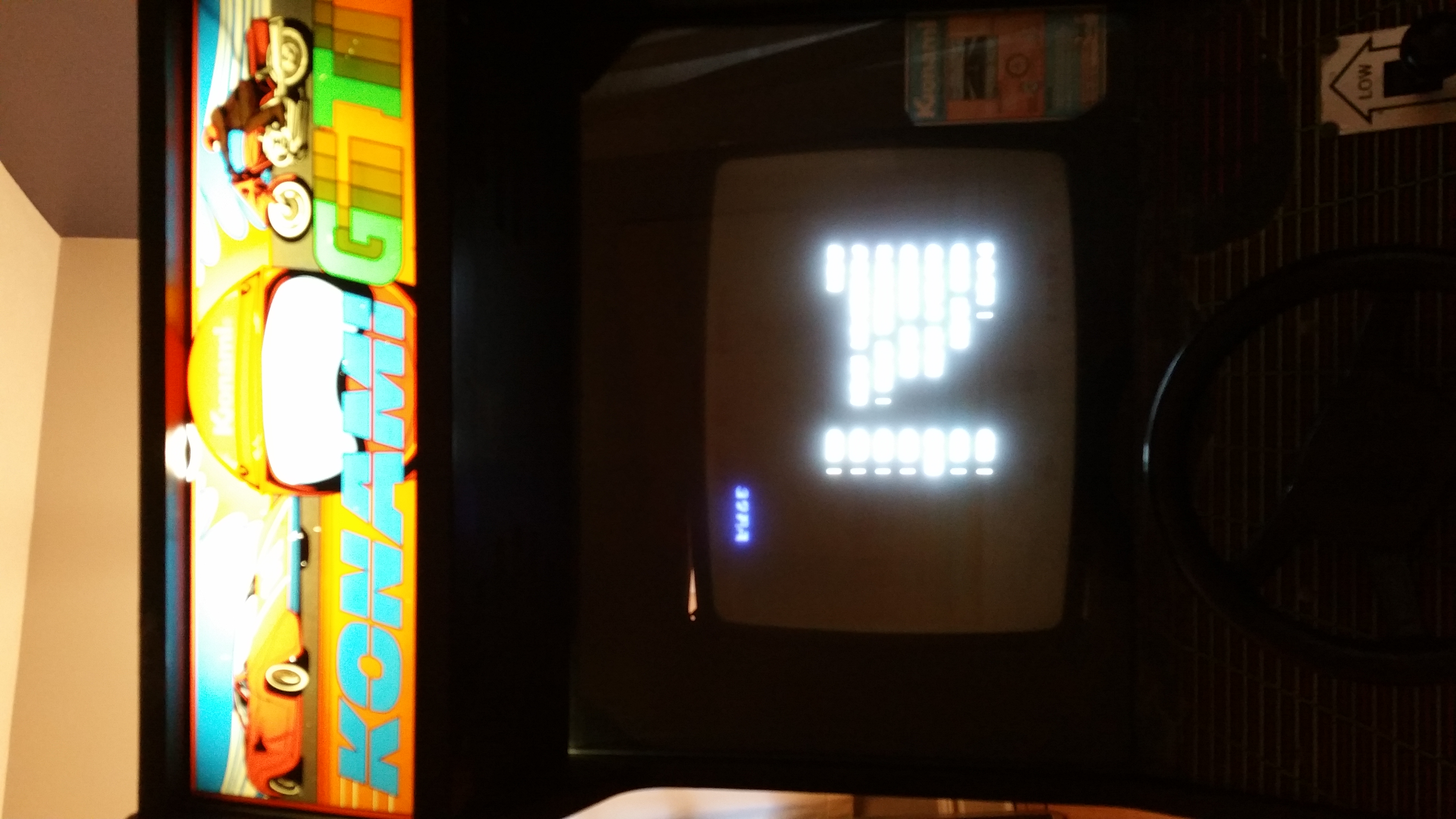
Question from Jon: Hi guys! My name is Jon and I just bought this Konami GT game on Craigslist for uber cheap. My brother and I really want to learn how to fix up games and we finally have an opportunity to try to get in some learning. That’s why we got this cheapo. Anyways, when turned on the monitor just continually flips and shows an upside down and backwards message. On one side it says (I think, it’s a bit blurry) VRAM, Color Ram, Program Ram and 2 more I can’t read. It looks like Chara RAM if that spurs anything. Next to that Chara RAM it clearly say BAD. Next to the rest it says ON. Again, I think this is the case. Any advice would be awesome (i.e. somewhere to start). We are total beginners and we are excited to learn. We both really enjoy the videos and appreciate what you guys do. It can be intimidating trying to learn something like this but we are determined!! Again, thanks so much! Jon
P.S. Attached is a pic (not that you’ll be able to read it).
1 answer

Response from Jonathan: Jon,
From your description, it sounds like the character RAM chips on your board might be bad which is why your game won’t boot up. Before we assume this is a board issue, we would make sure that the power supply is giving the correct voltages to the board. Start off by checking the voltage directly at the power supply first to make sure that it is correct. Check out our posts on Checking And Replacing A Power Supply and Checking A Classic Power Supply for more information. You can also check the voltage at the harness by turning off the game, unplugging your board from the cabinet, turning the game back on and using your multimeter prongs on the voltage pins. It looks like Konami GT is not a JAMMA game so you will need to use these pinouts in order to determine the locations of the voltage pins. Make sure you adjust your power supply if your voltage is too high or too low. This should ensure that you are getting the correct voltage to the board.
If you continue to have problems after verifying that your voltage is correct, you are probably having a board issue. At this point, you might check out our post on Inspecting An Arcade Board for some tips that might help you get your board running. On this board in particular, you might try disconnecting/reconnecting the ribbon cables that connect the 2 boards to make sure everything is connected properly. While we are not very familiar with this board, we’ve seen several posts that indicated that the character RAM consists of 8 4416 chips. You could try locating these chips on the board and replacing them to see if it solves your issue. These chips should be available from most electronics parts retailers (see our resources page for a list). Twisty Wrist Arcade also sells them for a pretty reasonable price if you would rather go that route. Keep in mind that this may not completely solve your board issue but it’s definitely a good place to start. Of course, you always have the option of buying a working board (off eBay or another source) or getting your board repaired by a professional (see our resources page) if you’re not comfortable doing this repair yourself.
Hope that helps. Thank you for your question and good luck with your repair.
This question has been closed
