

Return to Q&A Database
Golden Tee 2005 monitor Issue
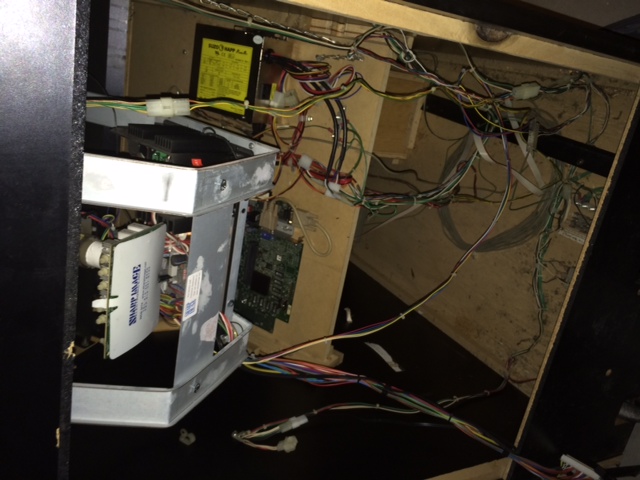
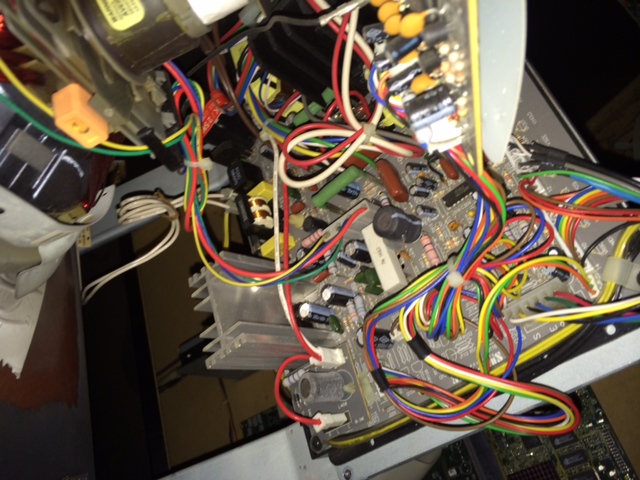
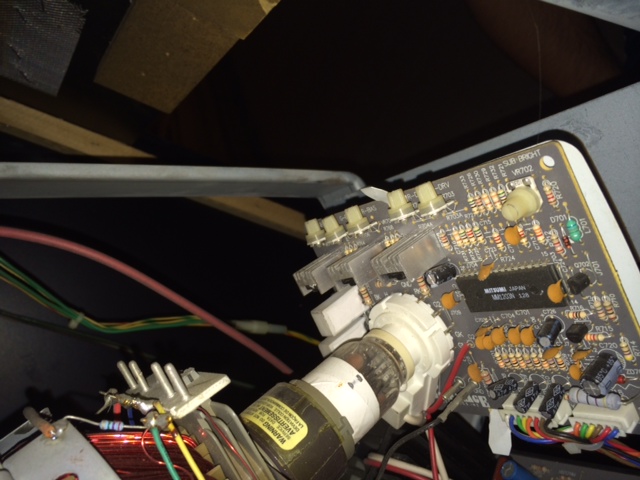
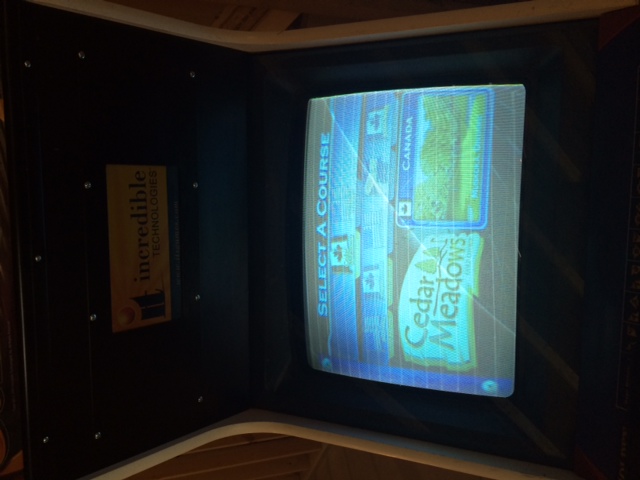
Question from Rob: Hi guys. First off, thanks for all your hard work and documentation when it comes to arcade repair and best practices. It’s very much appreciated. I have a 2005 Golden Tee with extra courses (7 total). Everything works great except for the monitor is showing a less than acceptable picture. Horizontal lines 1 inch apart all the way up the screen and it appears after making adjustments to the color under the test modes that the red square is staying black. Looking for some guidance. Rob
1 answer

Response from Jonathan: Rob,
Let me start off by thanking you for your kind words. We’re glad that you find the information we provide helpful. Now to your questions…
From the pictures you sent, it looks like you are missing the color red. We recommend starting your repair by checking the wires that run from your arcade game board to your monitor chassis. The first 3 wires on most arcade monitors are red, green and blue and correspond to the different colors displayed on the monitor. Make sure that the red wire is making a good connection. Also, make sure that the pin that the red wire is connected to is making a good connection to your monitor chassis. These pins tend to come loose over time due to unplugging/plugging in the monitor connector. You might need to touch up the solder to restore this connection. If you check out the wiring and the pins and everything looks good, you’re probably having a problem with a color drive transistors on your monitor chassis or neck board. Check out our post on Checking A Monitor Tube for more information on the color drive transistors.
The lines you are experiencing could be an adjustment. Typically raster retrace lines like this are caused by the brightness on the flyback being turned up too high. Check out our post on Adjusting An Arcade Monitor for more information on the different adjustments you can make to your monitor picture. Of course, you could have some leaking caps causing this issue as well. You might try Installing A Cap Kit if the adjustments don’t help you get the lines out of your picture.
Hope that helps. Thank you for your question and good luck with your repair.
This question has been closed
