

Return to Q&A Database
Ms. Pac Man issue
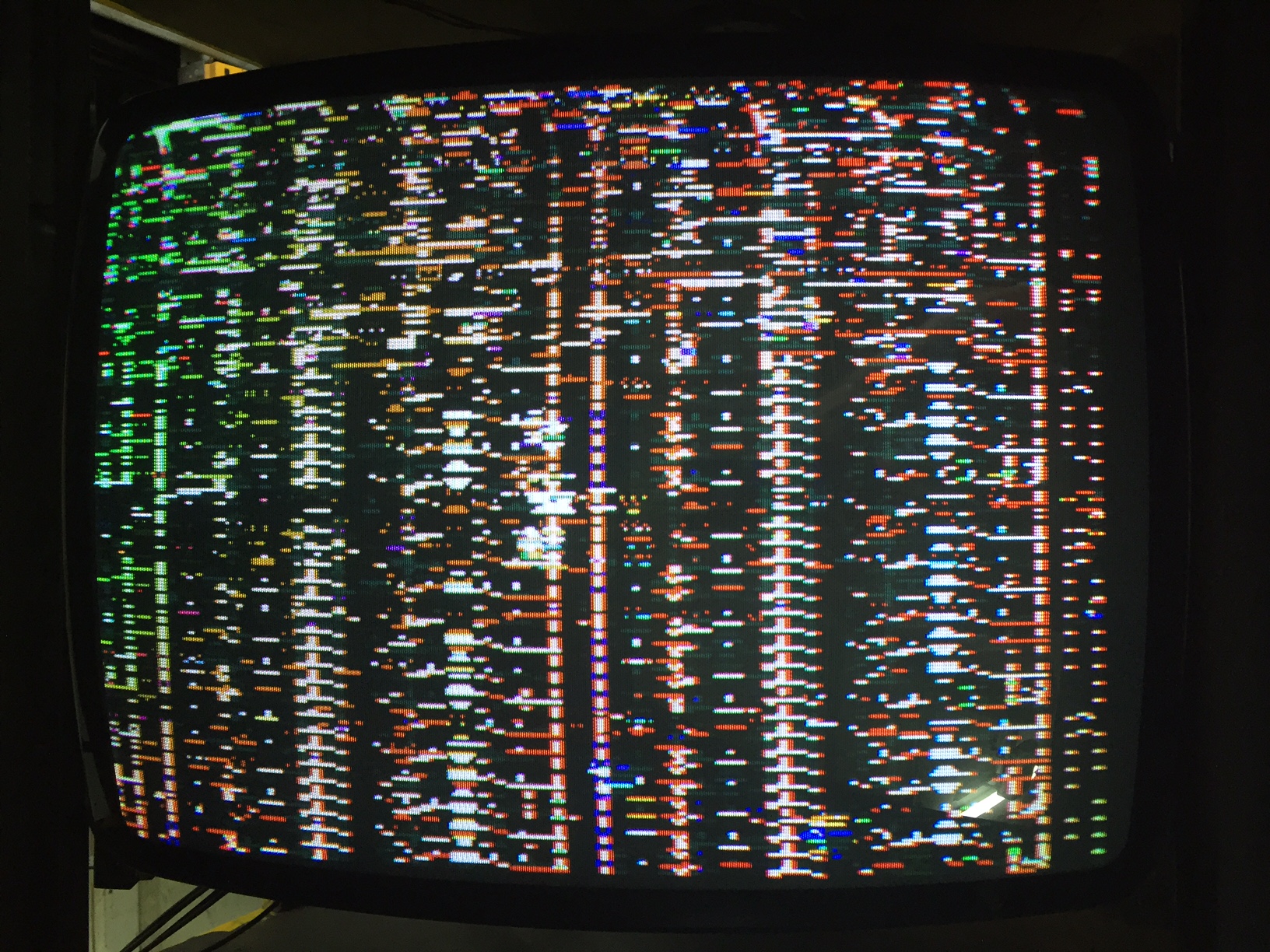
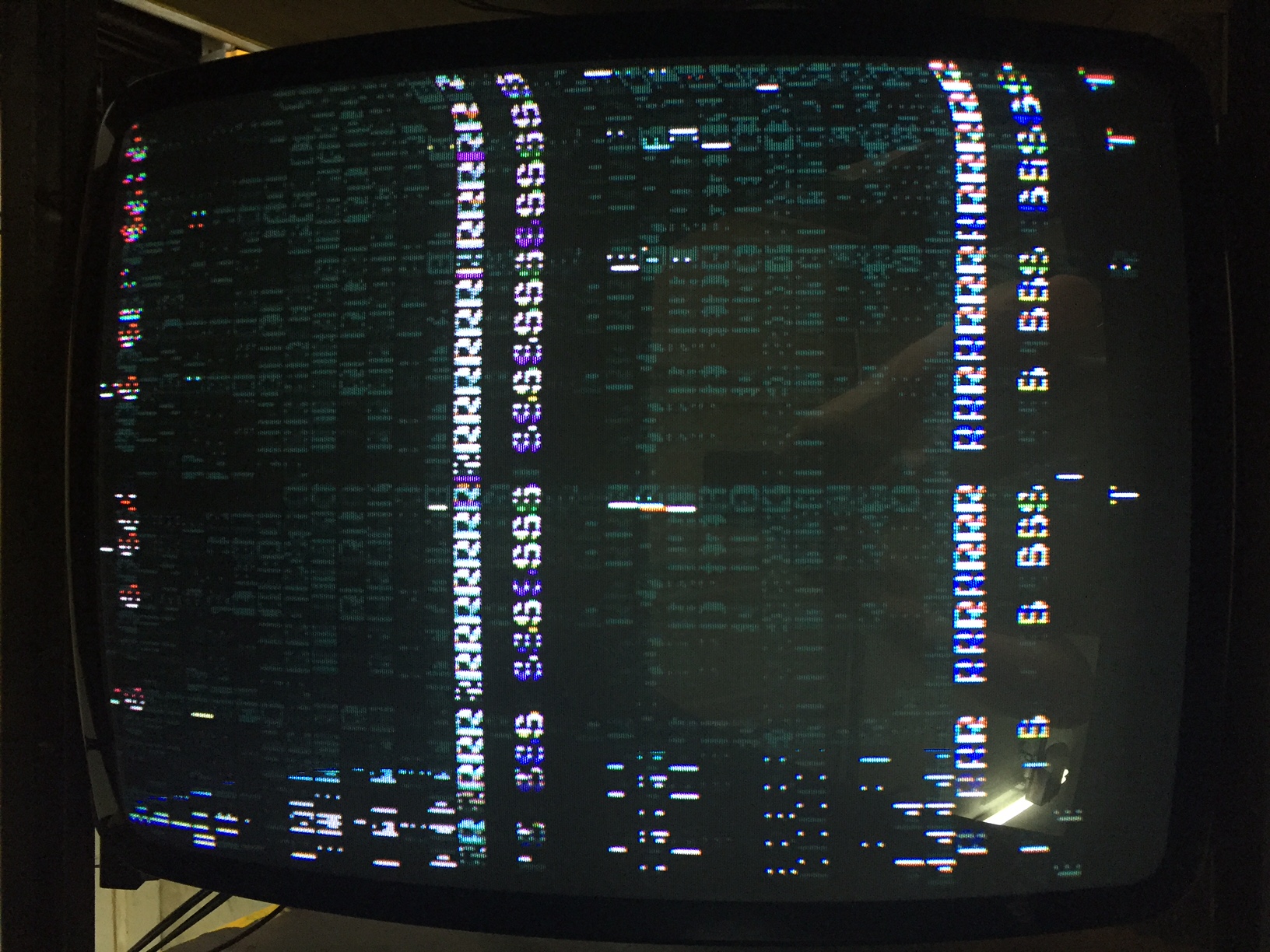
Question from Ed: Hello. My machine boots up, and you can barely make out that it is Ms. Pac Man with a super ABC board installed. The screen changes when the it should and shows other weirdness. It is constantly like this. Monitor seems like new. I took out the PCB and cleaned tabs, reinstalled, and now it won’t power up. I think the power button on top just broke. It doesn’t “feel” right now. What do you think the problem is?
1 answer

Response from Jonathan: Ed,
We have a saying here at Arcade Repair Tips: ASAP (Always Start At Power). Start off this repair by making sure that the power supply is working properly. Use your multimeter and the manual (here’s a link to one if you don’t already have one: http://www.arcade-museum.com/manuals-videogames/M/MsPac-Man.pdf) for the game (the wiring diagrams section at the end will probably the most helpful to you) to make sure that the correct voltage is getting to the board. Check out our post on Checking A Classic Power Supply for more information.
If the power is correct but you continue to have problems then you may have a problem with the board itself. At this point, you might check out our post on Inspecting An Arcade Board for some steps you can take to get your board working again. Of course, there could be a problem with the board that requires replacing parts, rebuilding traces, etc. At this point, you might see if you can find some repair logs for Ms. Pac Man out on the web that describe your particular issue. You could also try sending your board out for repair to one of the people listed under the appropriate heading on our resources page.
Also, since you are working on a Ms. Pac Man, we HIGHLY recommend checking out the Lawnmowerman‘s Pac-man Website for some excellent information on working with Pac Man style cabinets. Of course, please feel free to contact us again if you have any additional questions about your issue.
Hope that helps. Thank you for your question and good luck with your repair.
This question has been closed
